All Videos
ManoPlan Workflow – Online Booking on a Smartphone
0:445 Scenen
How a customer books a service appointment from the sofa in the evening – and the job is on the plan the next morning.
Learning Goal
Win appointments around the clock, without the phone.
Contents
1
Start booking
The customer opens your booking page on their smartphone – via your website, Google or a link in an email.
2
Choose service
They choose the right service, for example heating or plumbing.
3
Preferred date
The calendar highlights available days, and they pick up to three preferred dates.
4
Finally contact details and address – once confirmed by email, the booking is binding.
5
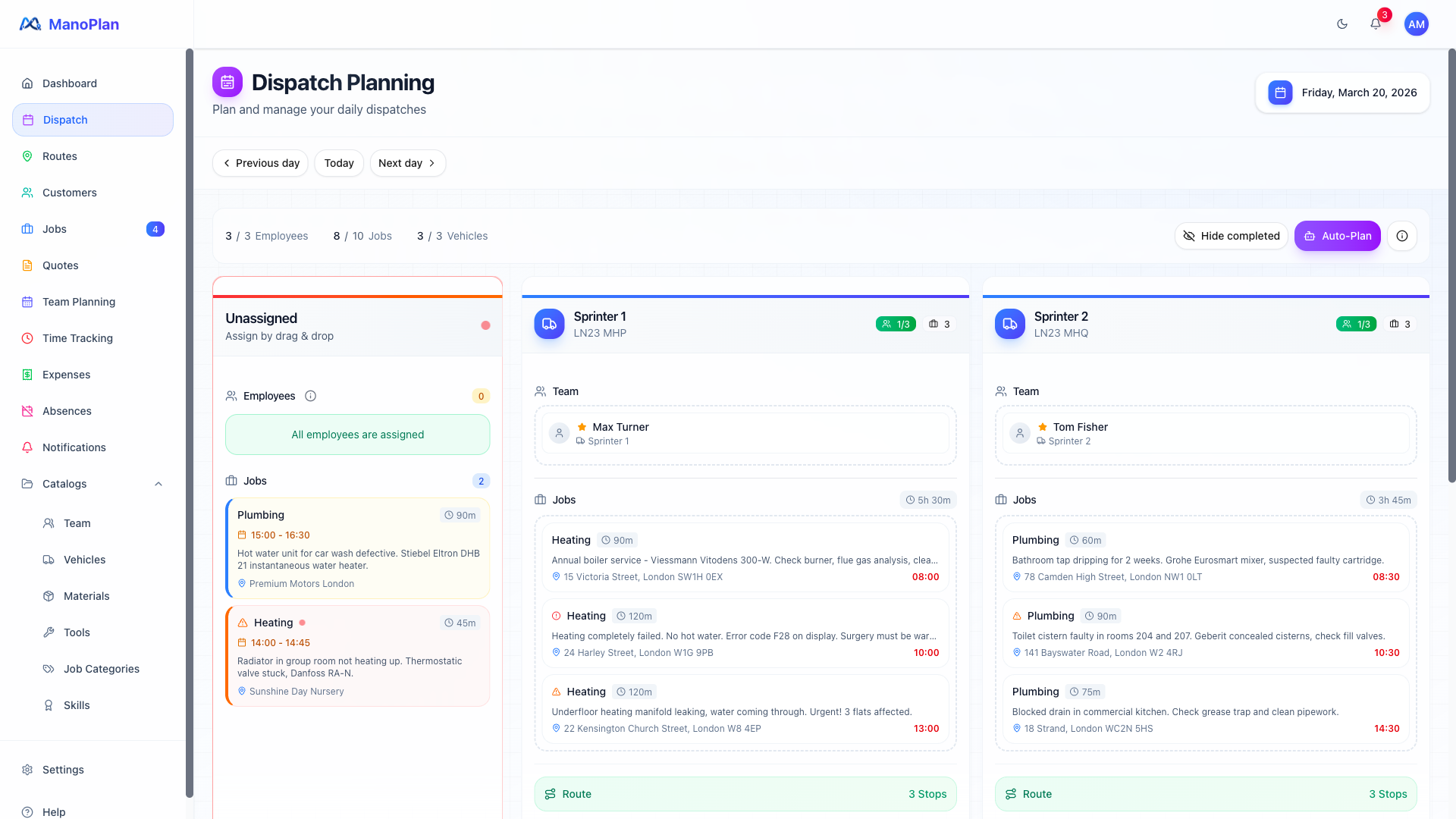
The next morning the new job is on the dispatch board and gets assigned to a team.