Video Tutorials
Learn ManoPlan with our step-by-step guides

All Tutorials

Dashboard & AI Assistant
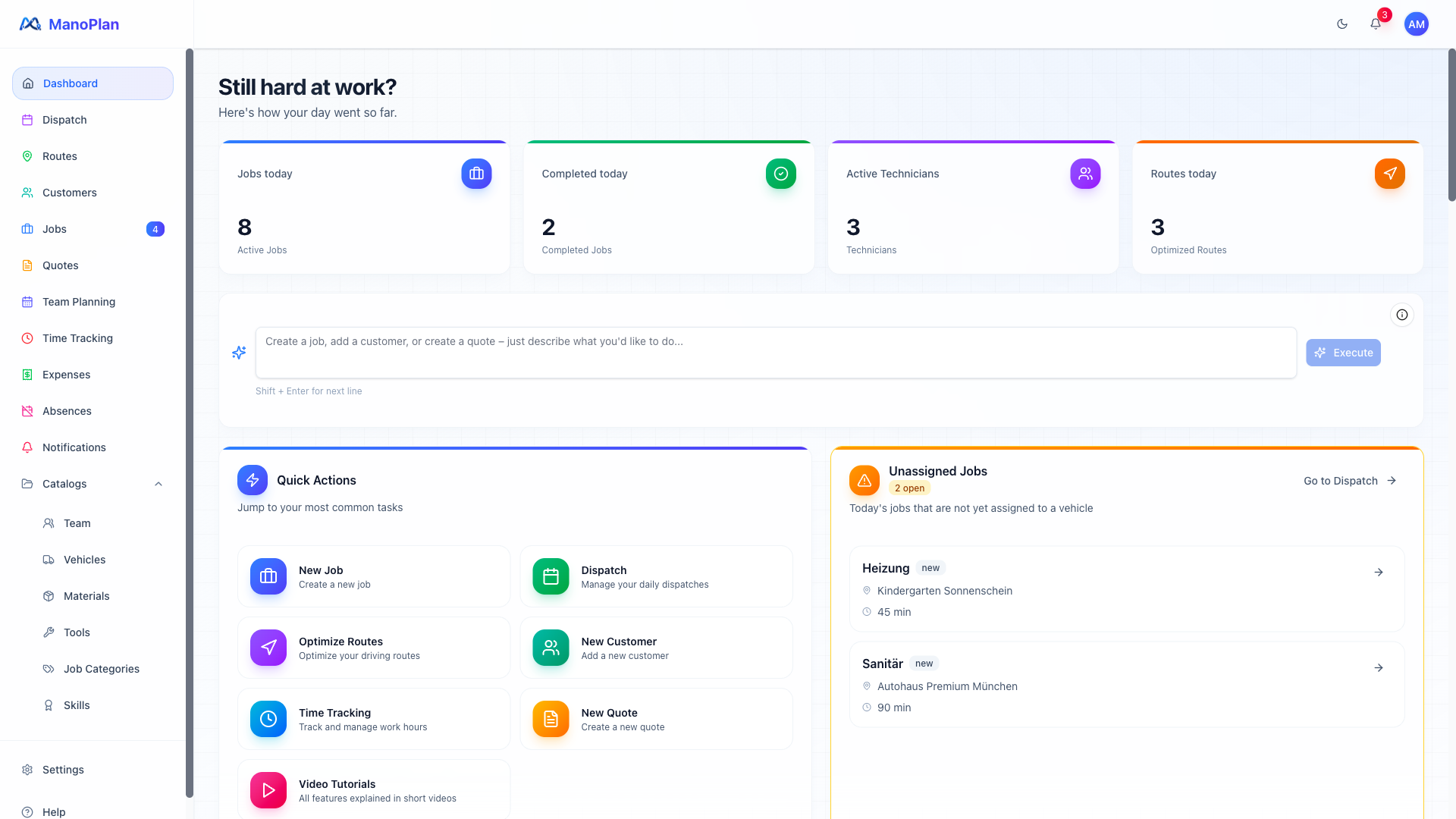
Shows the dashboard with metrics and the AI assistant as a highlight in 3 scenes. Dashboard overview, AI input with examples (create job, customer, quote), pre-filled forms.

Dispatch Planning
Explains the dispatch board as ManoPlan's core feature in 3 scenes. Scene 1: Board overview with open jobs (left) and vehicles/teams (right). Scene 2: Drag-and-drop job assignment to vehicles, workload indicators and priority markers. Scene 3: Job detail view with customer info, appointments and navigation launch.
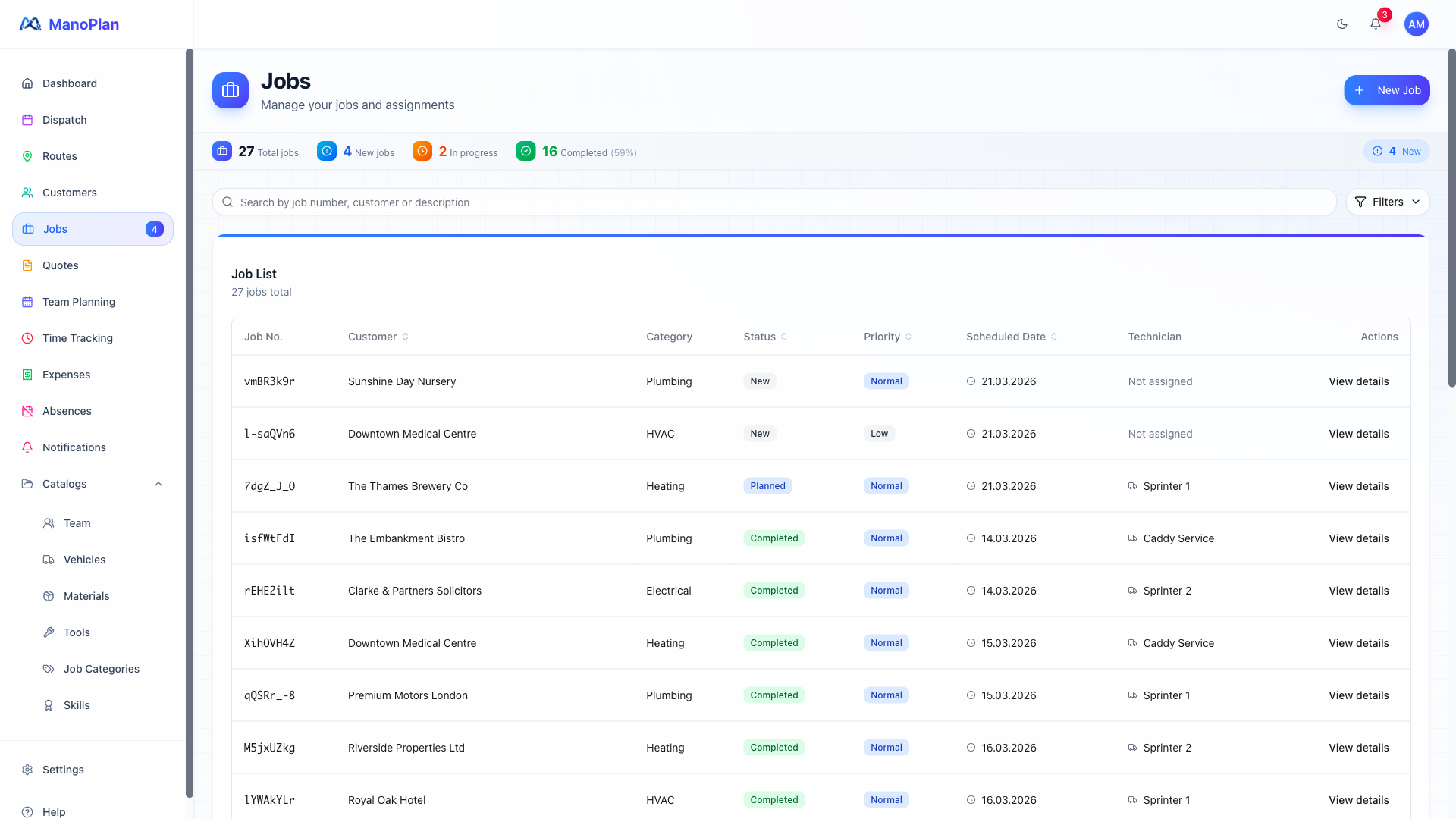
Job Management
Walks through the complete job lifecycle in 4 scenes. Job list with filters, creating a new job, detail view with status and timeline, AI-powered documentation via voice input.
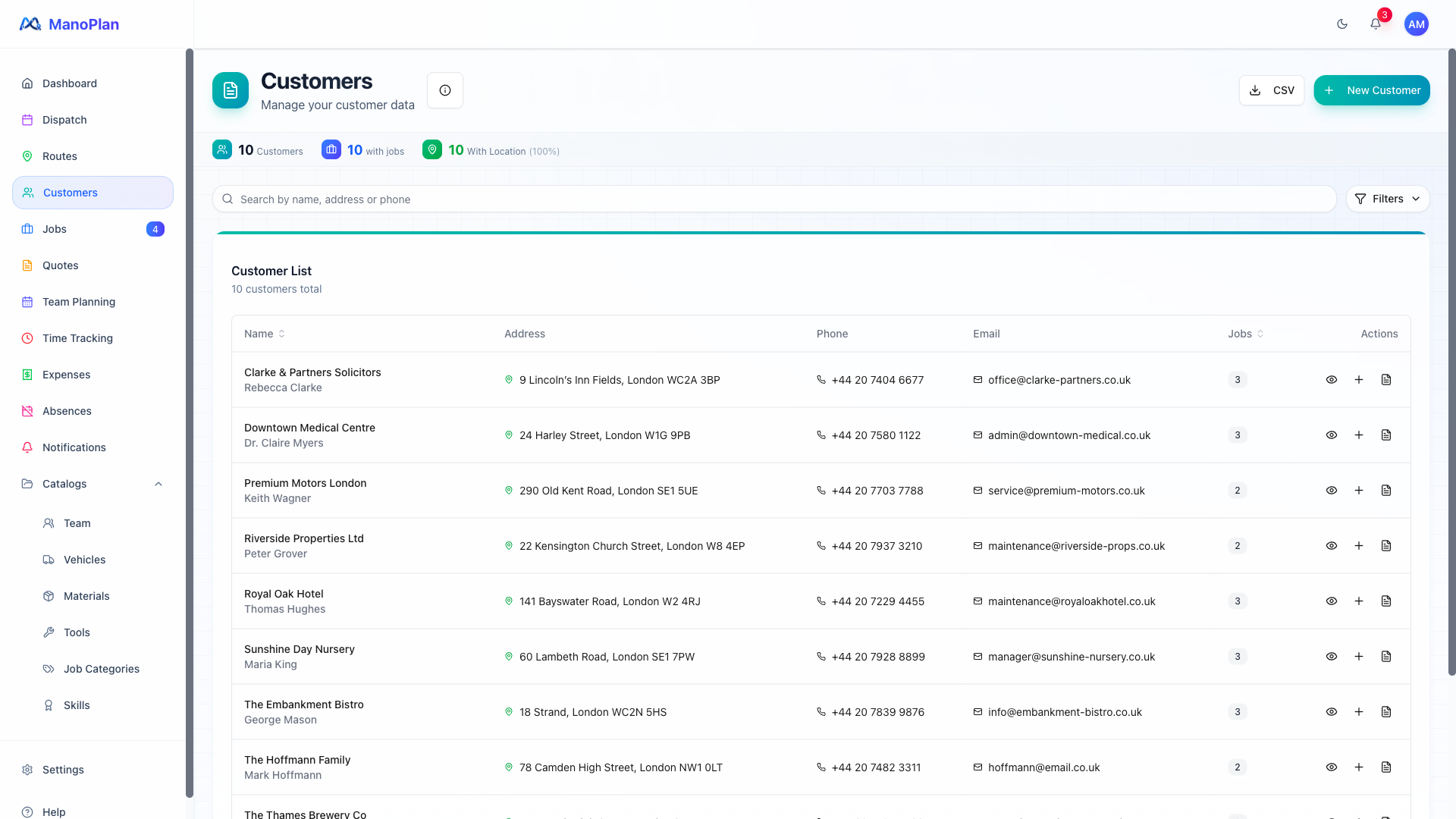
Customer Management
Explains customer management in 4 scenes. Customer overview with search, customer detail with history and map, creating new customers, data import via CSV or ERP.
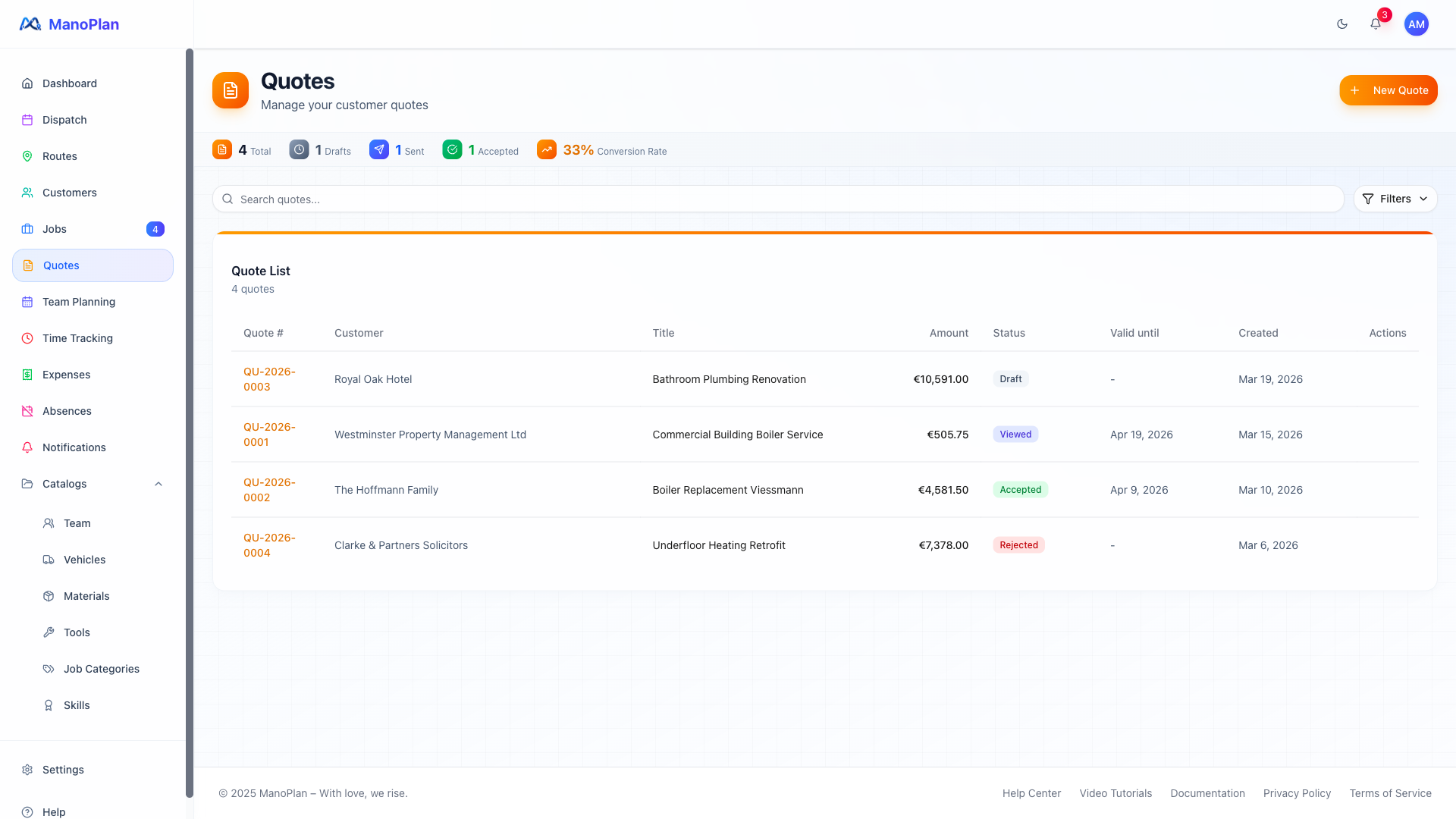
Quote Management
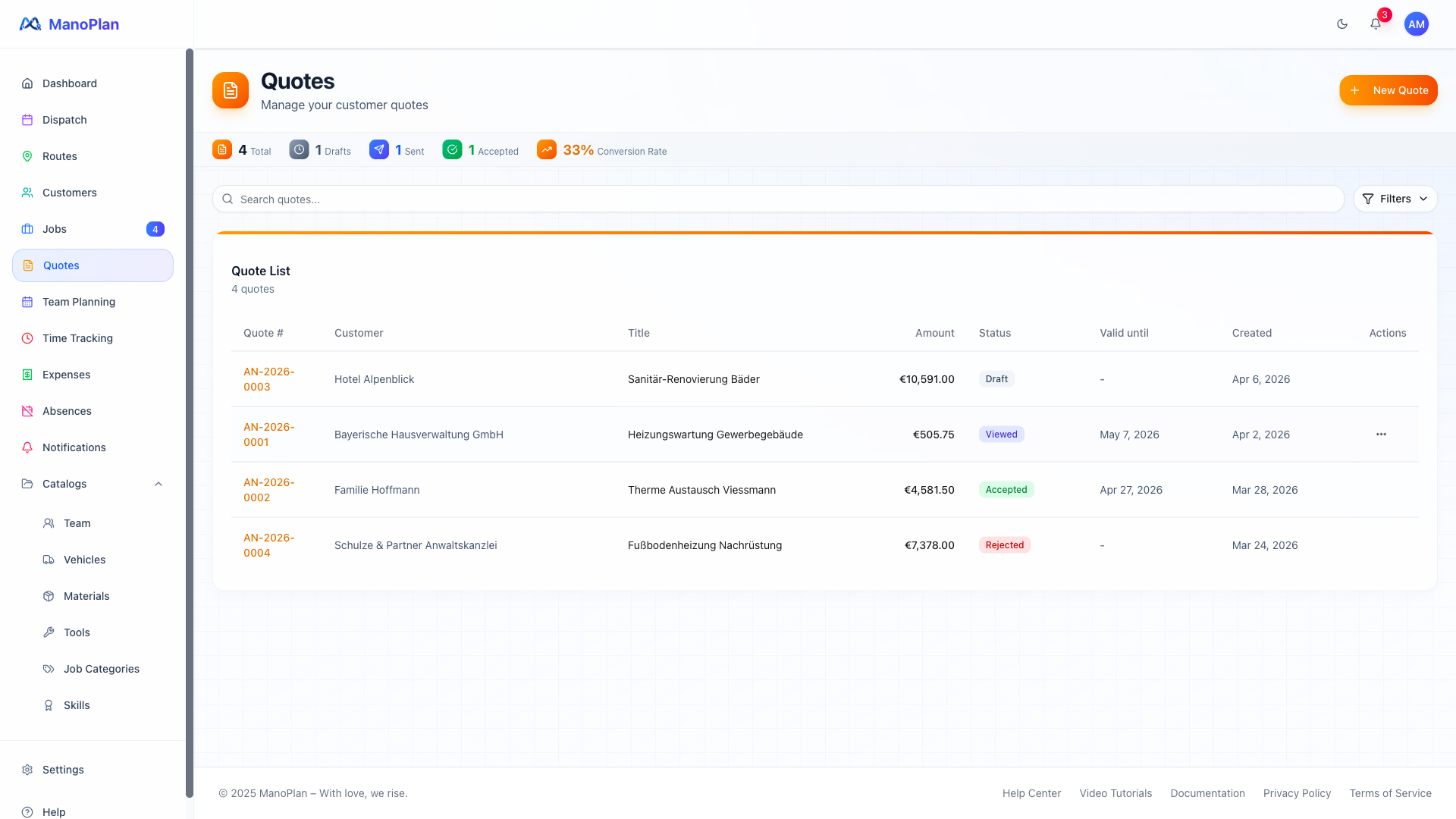
Explains the complete quote management workflow in 5 scenes. Quote list with statistics, creating a new quote with line items, quote detail, public customer view with branding, converting quote to job.
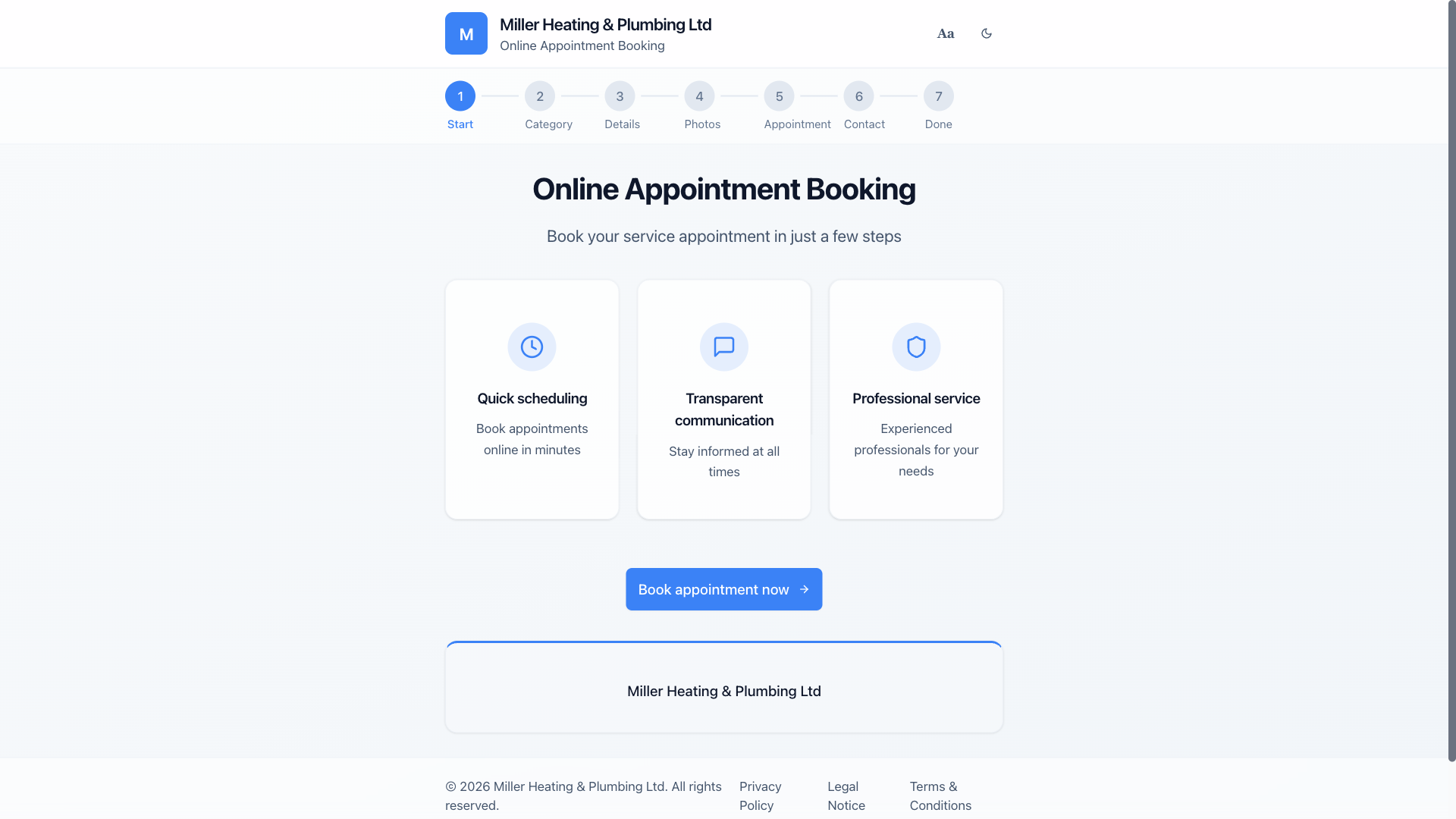
External Booking Page
Explains the public booking page for end customers in 5 scenes. Landing page with company branding, category selection, custom questionnaire, photo upload and contact form. Plus: setting up booking questions in settings.
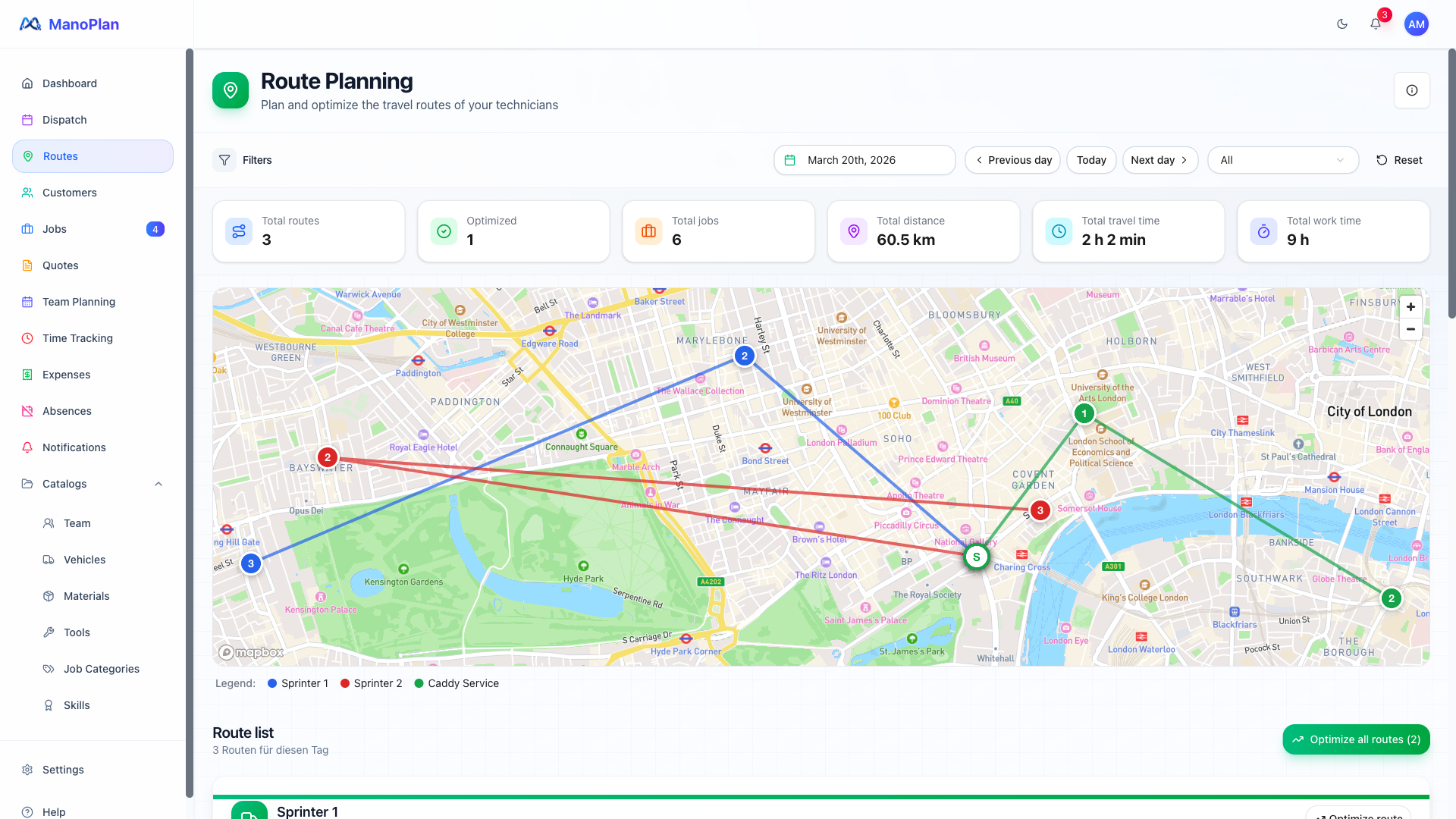
Route Planning
Shows route planning and navigation in 3 scenes. Map view with technician routes, automatic optimization, navigation from the job view.
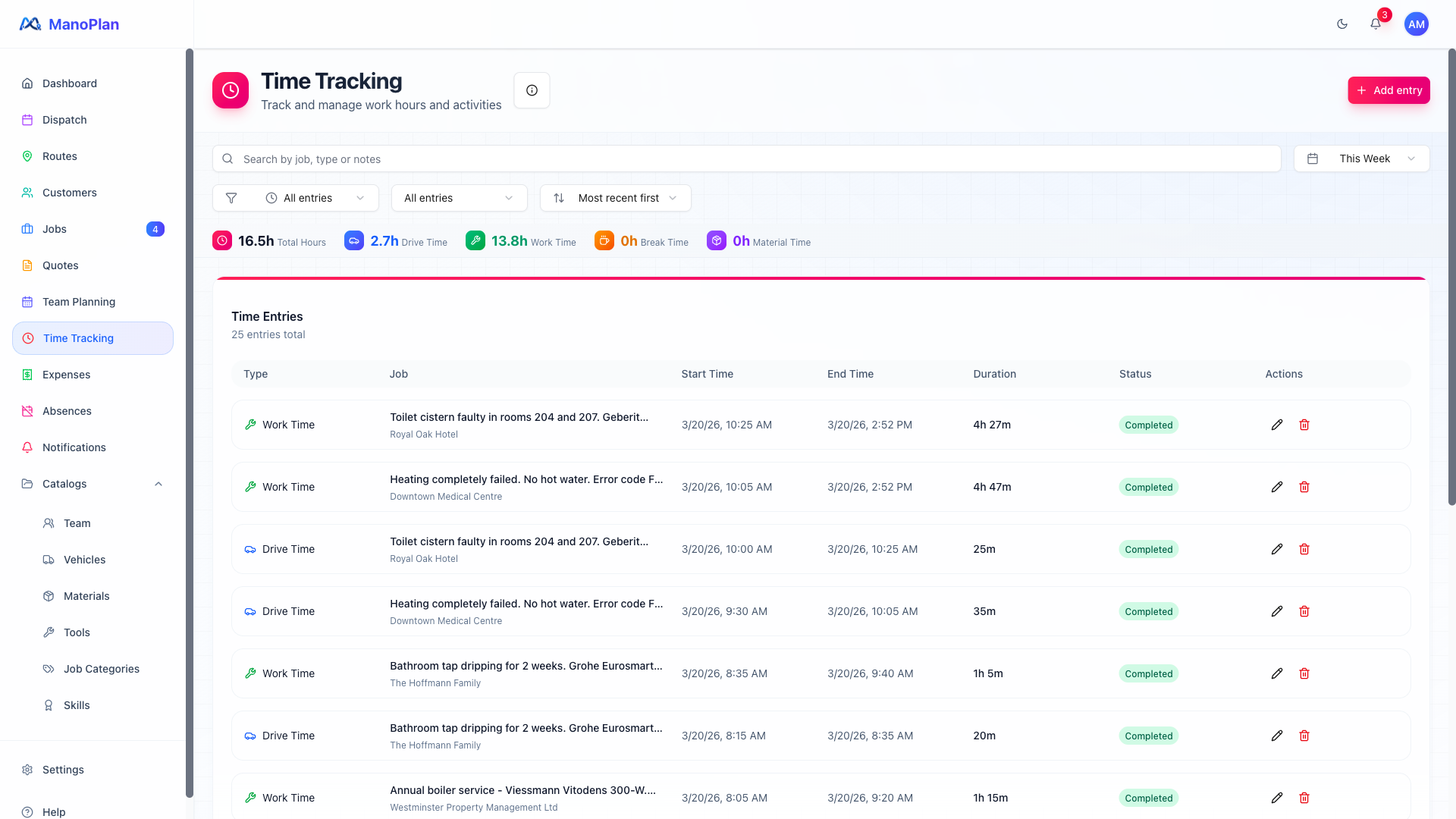
Time Tracking
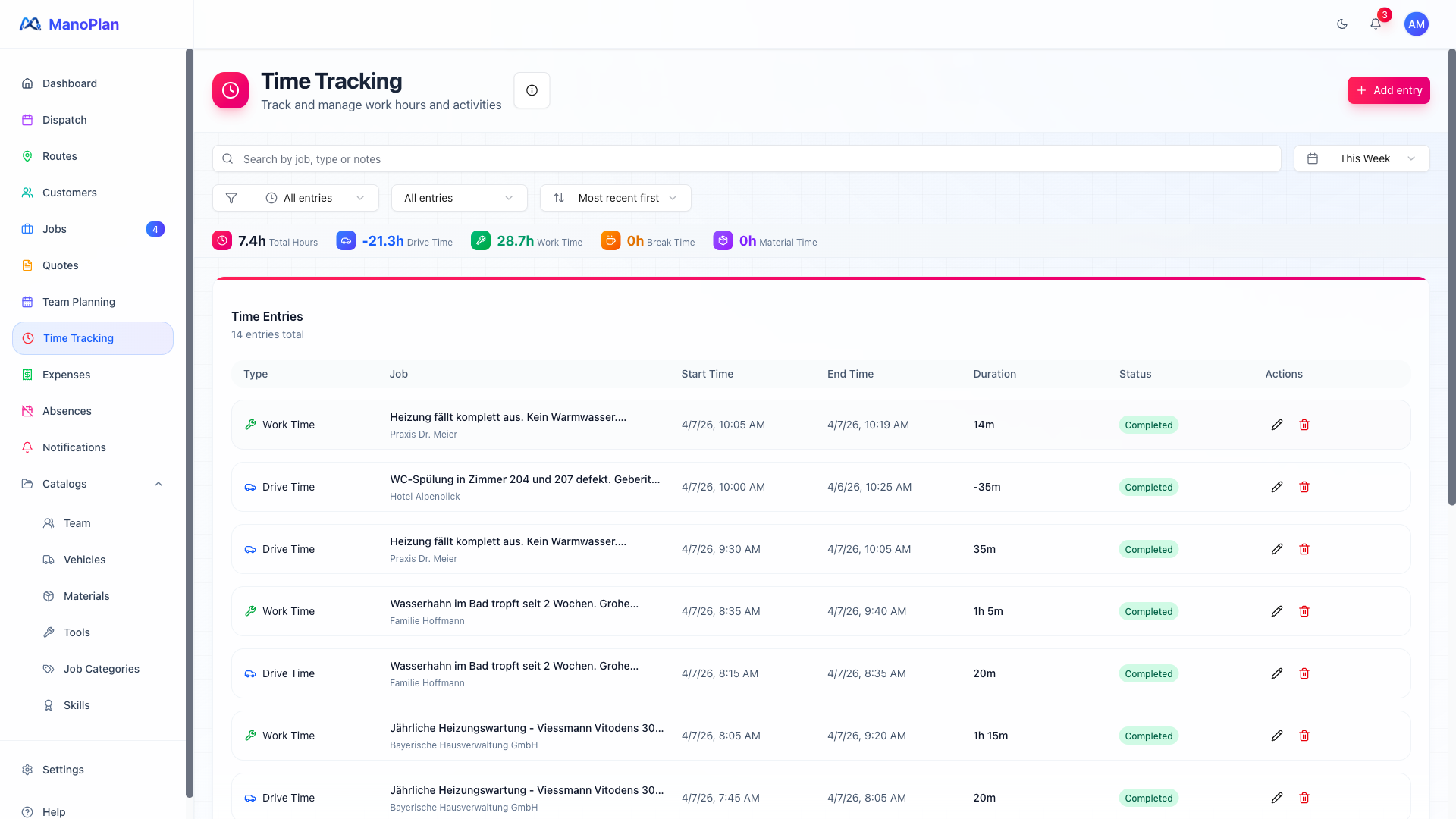
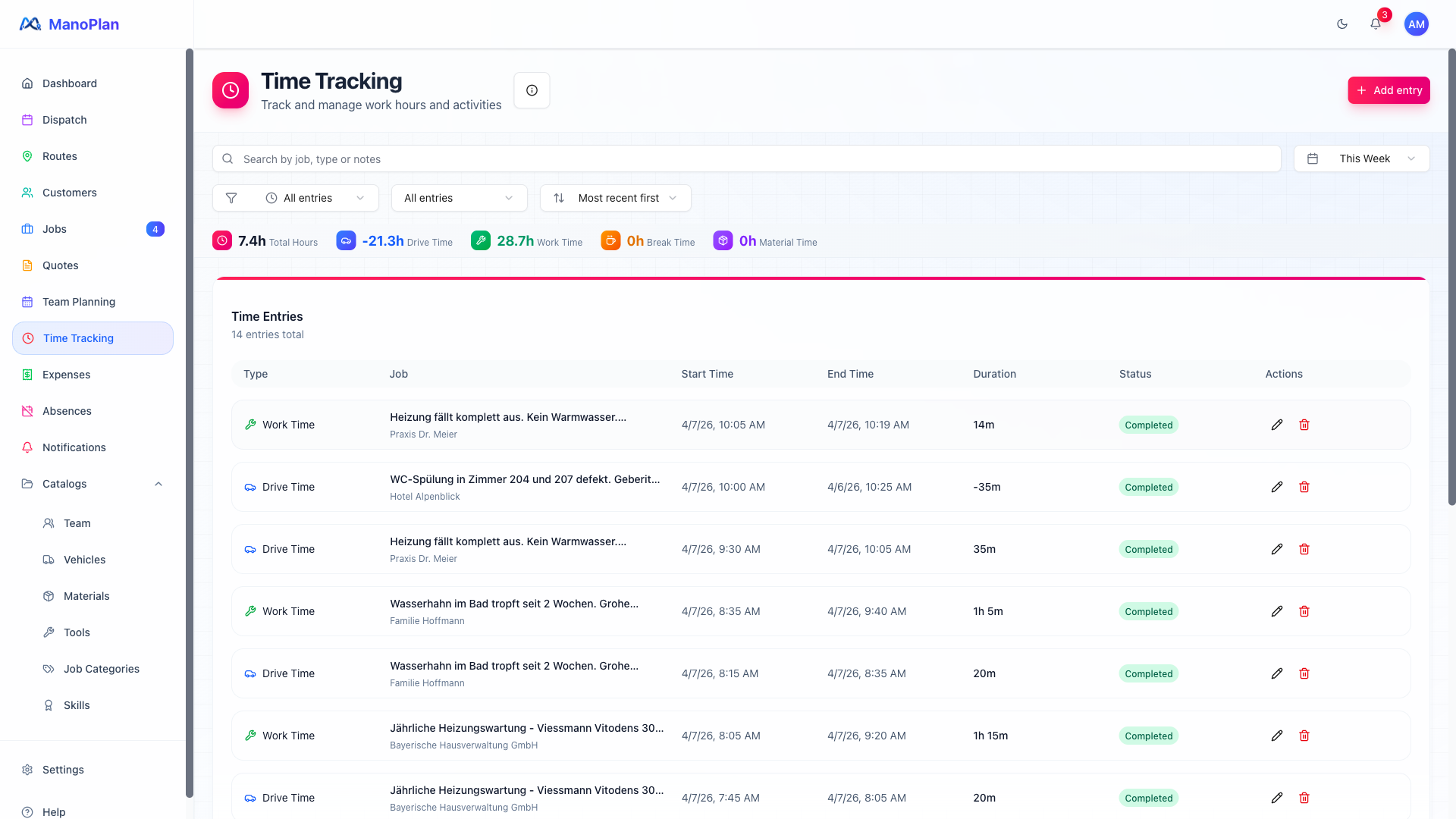
Explains automatic time tracking in 3 scenes. Time tracking overview with time types, geofencing for automatic detection, linking to jobs and export.
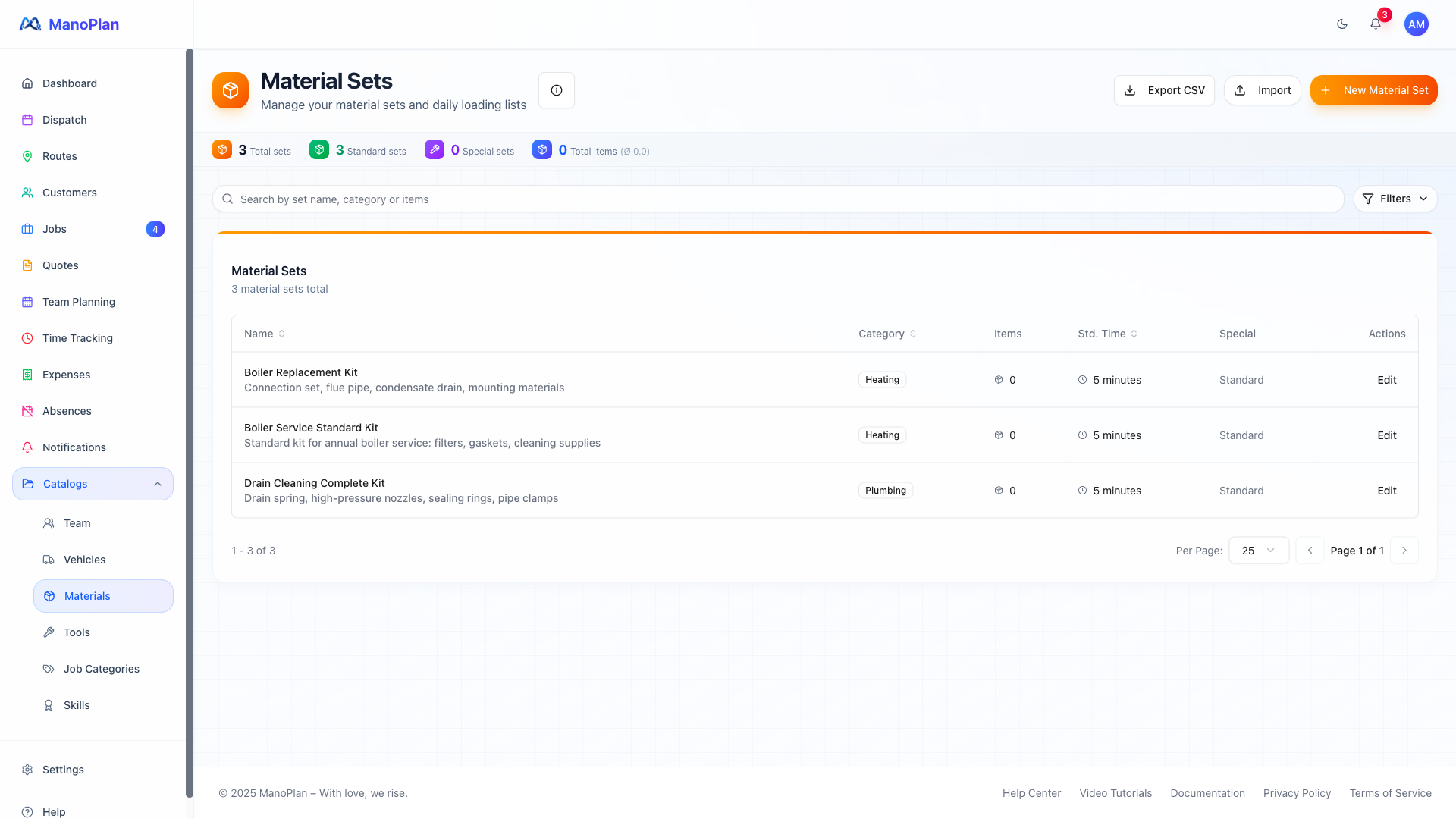
Materials & Tools
Explains material sets, tool management and import in 3 scenes. Materials overview, creating a new material set, tools with reservation. App features (loading checklist, barcode) are mentioned.
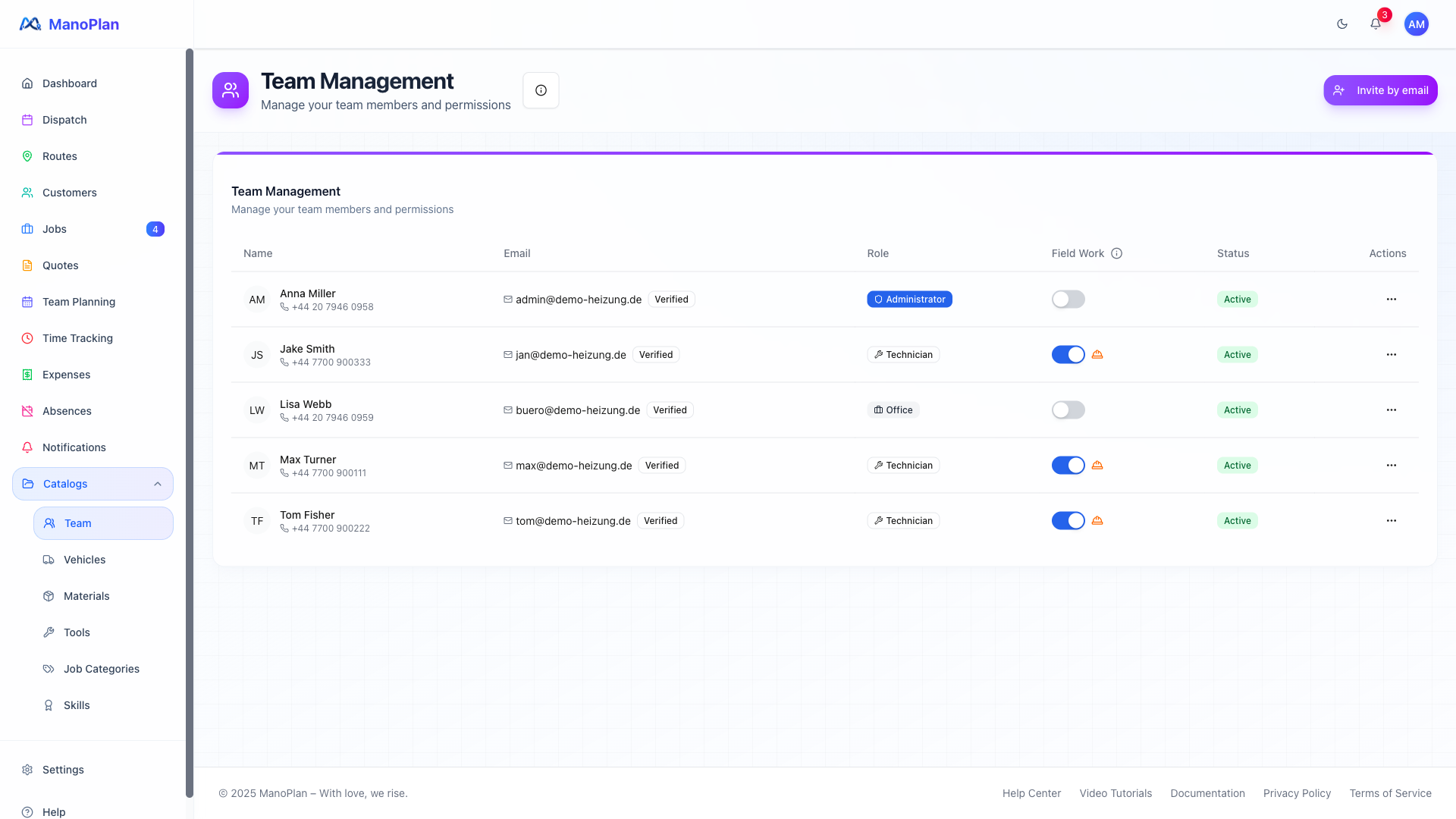
Team & Vehicles
Explains team and vehicle management in 4 scenes. Team overview with roles, permissions and skills, vehicle fleet with assignments and capacities, absences and leave management, fixed teams.
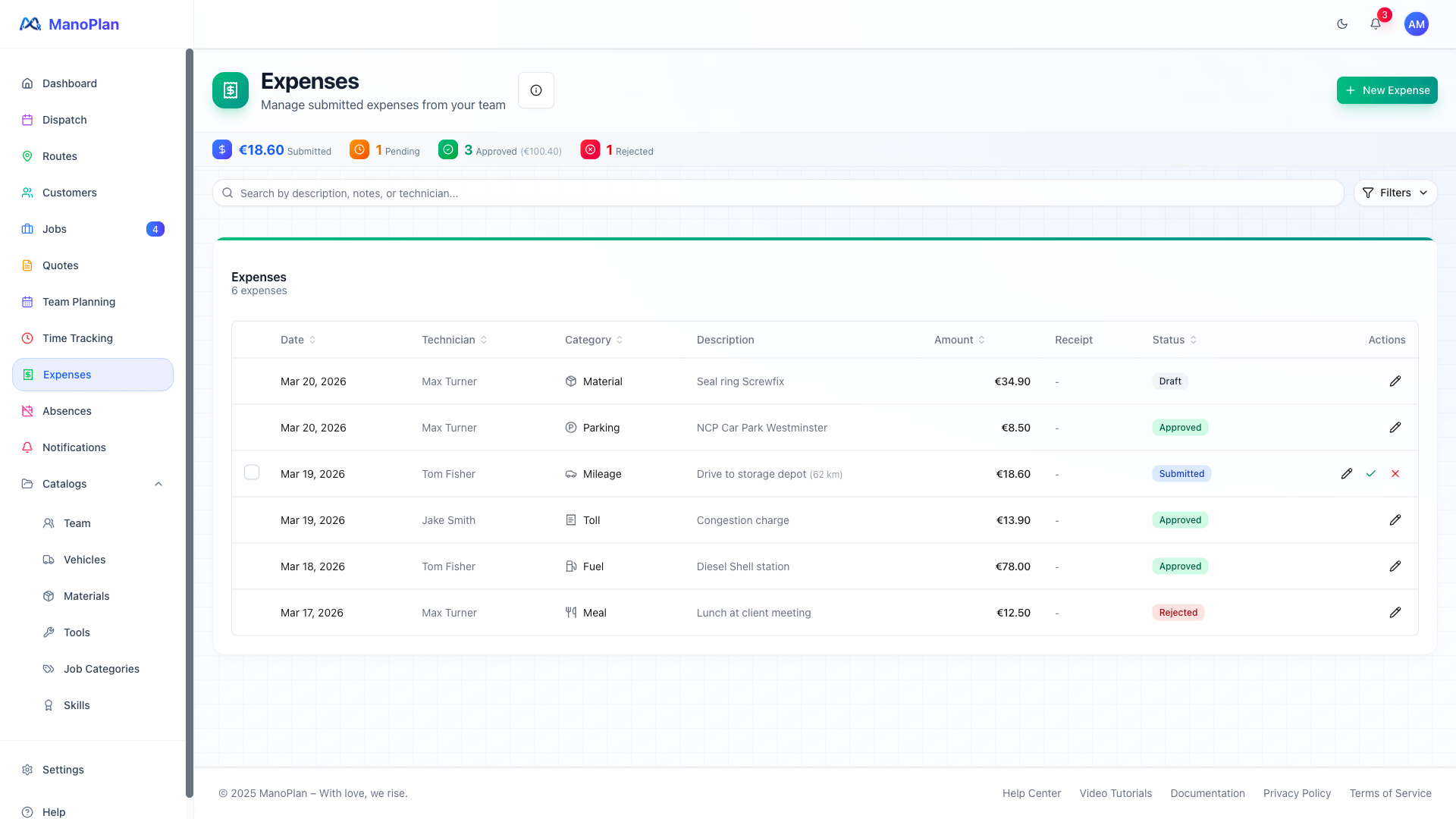
Expenses & Receipts
Explains expense tracking in 2 scenes. Expense overview on web, reference to app features (receipt photo, mileage). Primarily an app feature — web shows the management page.
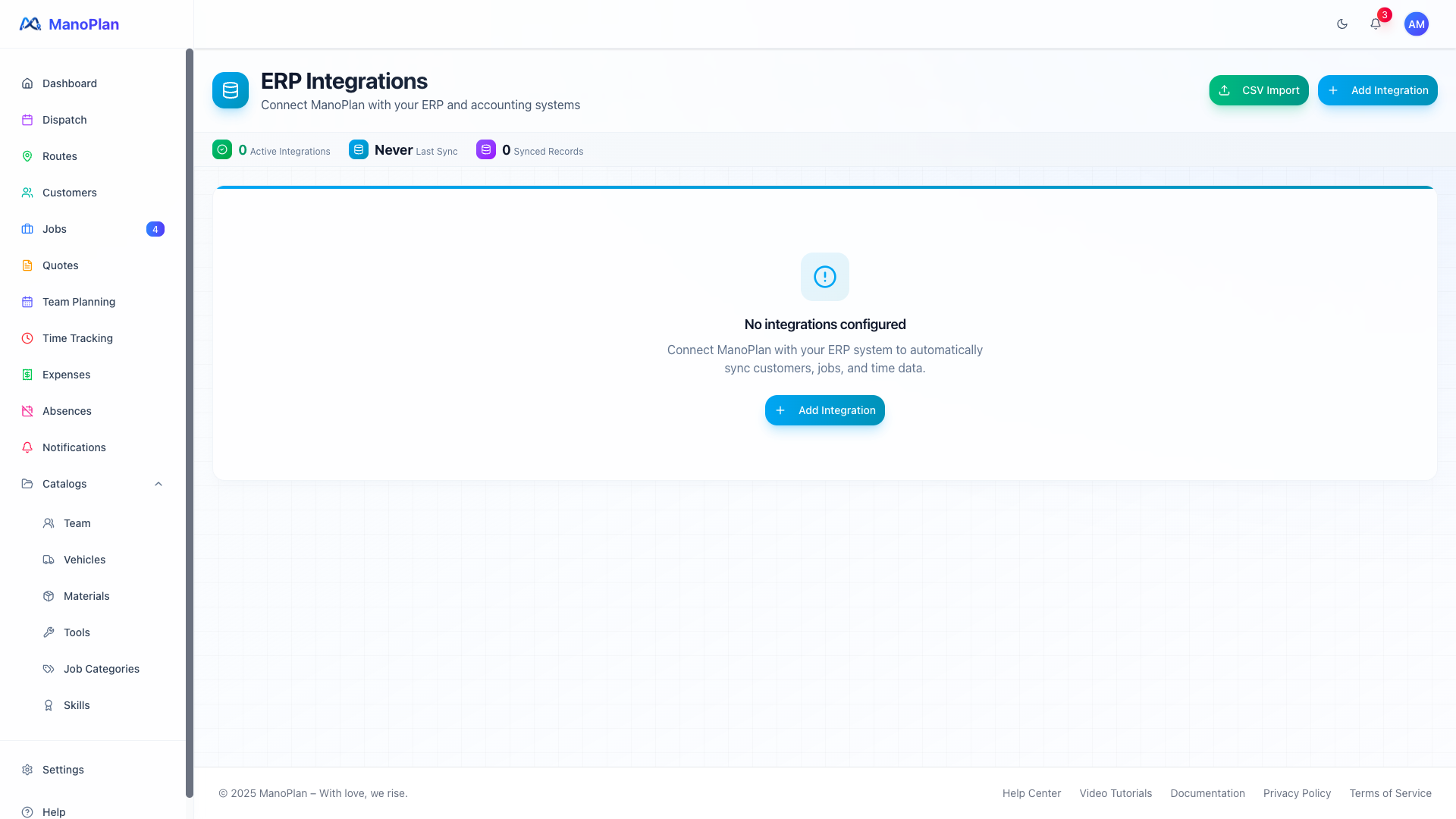
ERP Integrations
Explains ERP connectivity in 3 scenes. Integrations overview, setting up a new integration (API key, connection test, entity configuration), CSV import as an alternative.
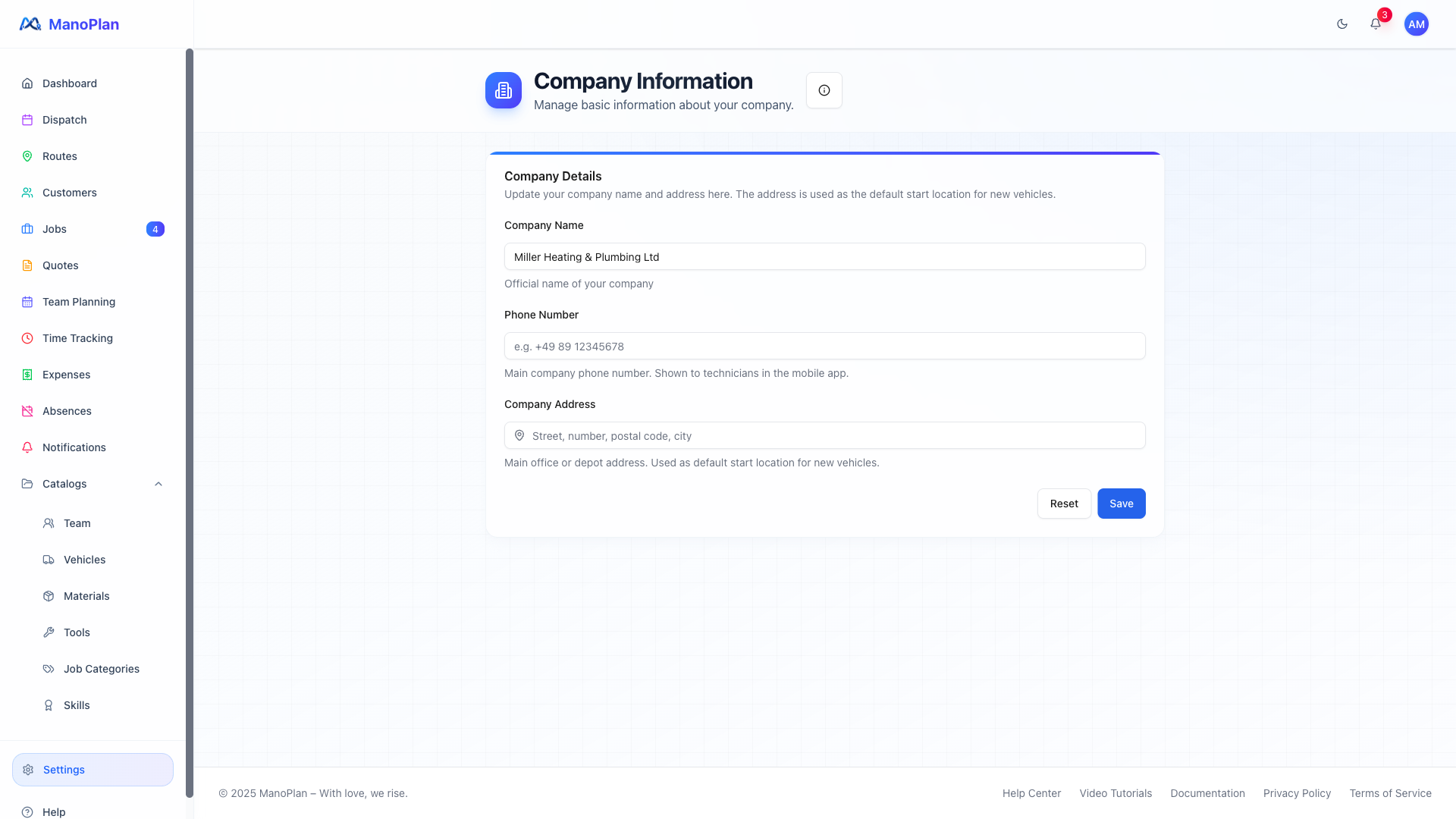
Settings
Explains the key settings in 4 scenes. Company details & branding, categories & pricing, work hours & planning, notifications.
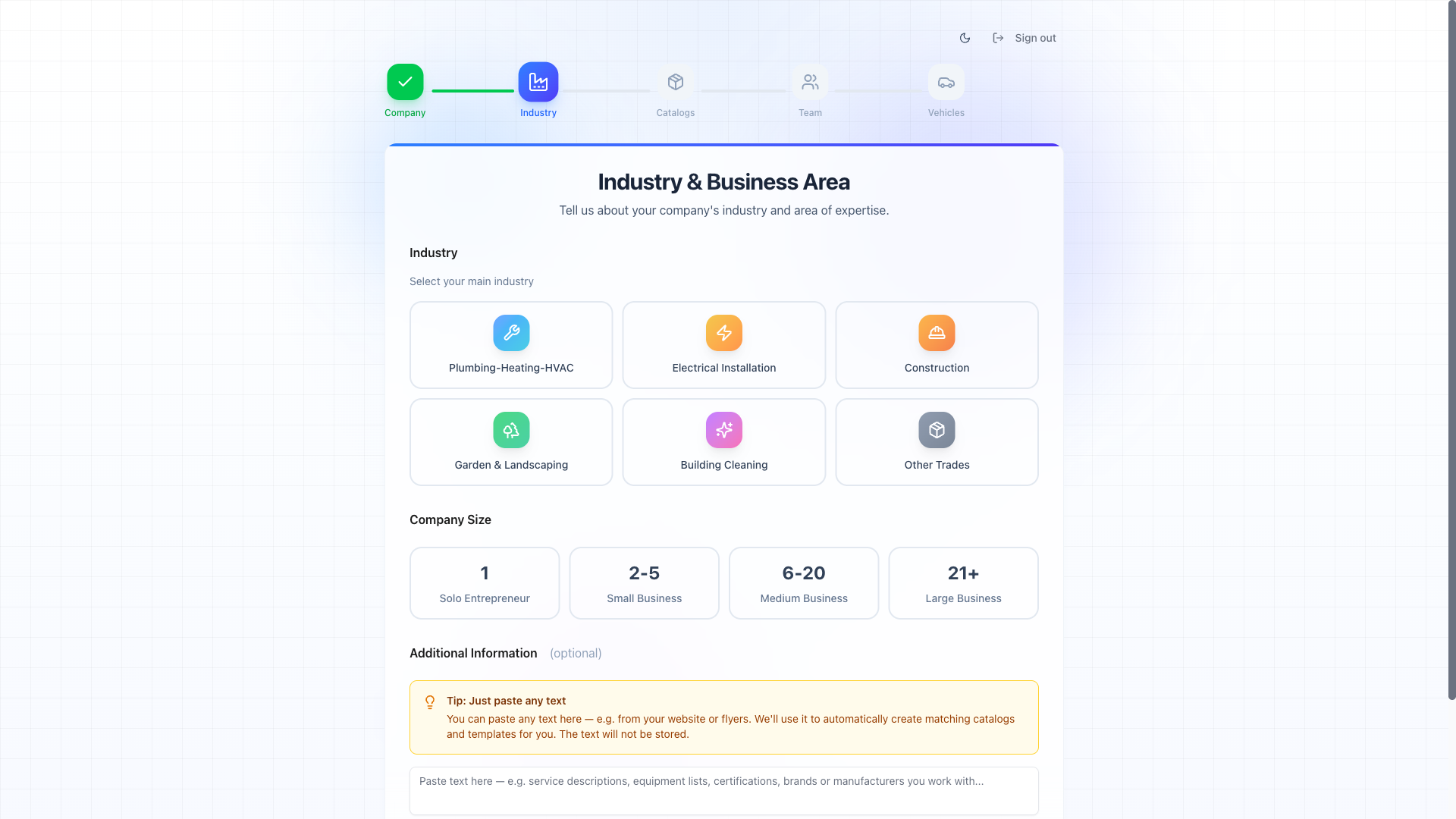
Getting Started
Walks new users through the complete onboarding process in 5 scenes. Registration, company details, team invitations, category configuration, vehicle setup and launching into the dashboard.
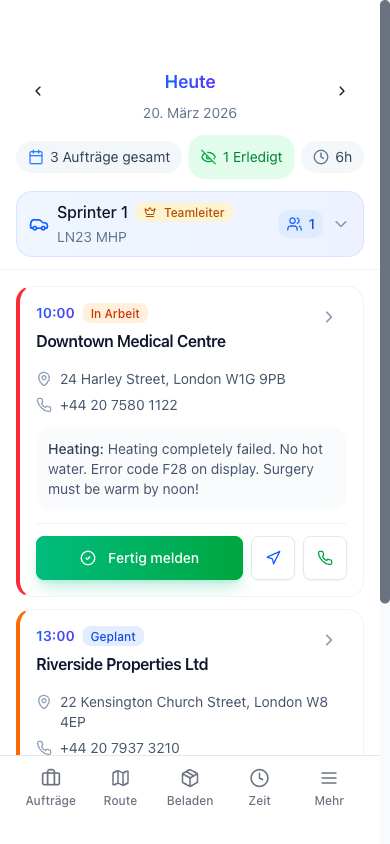
Mobile App for Technicians
Complete tutorial of the ManoPlan technician app. Shows the daily workflow of a technician: briefing, loading list, job details, documentation, time tracking, expenses and end-of-day summary.
Workflow Videos
Complete workflows for every role
Dispatcher / Office
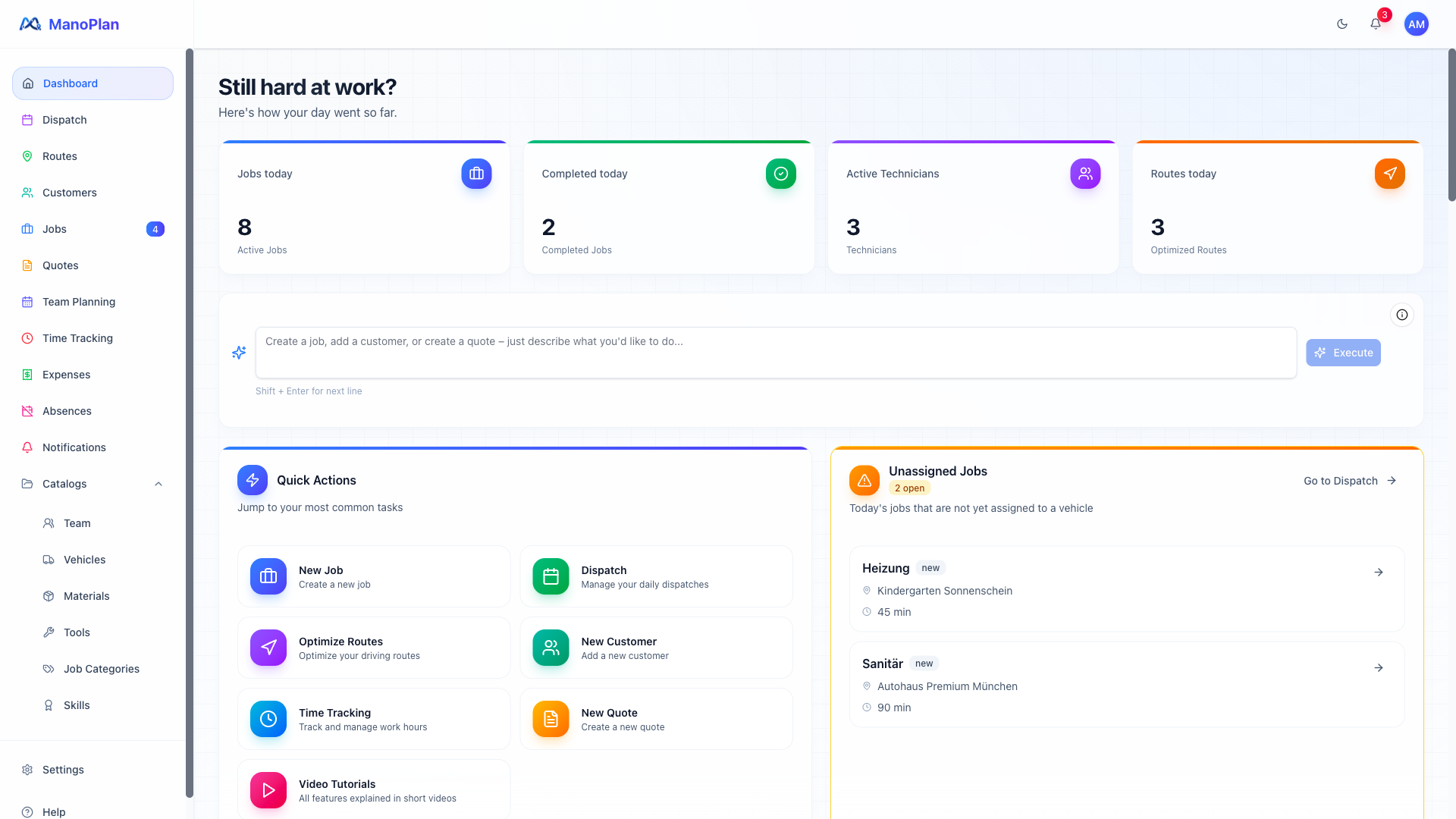
From Call to Assignment
Shows the complete workflow from customer call to technician assignment in 8 scenes.
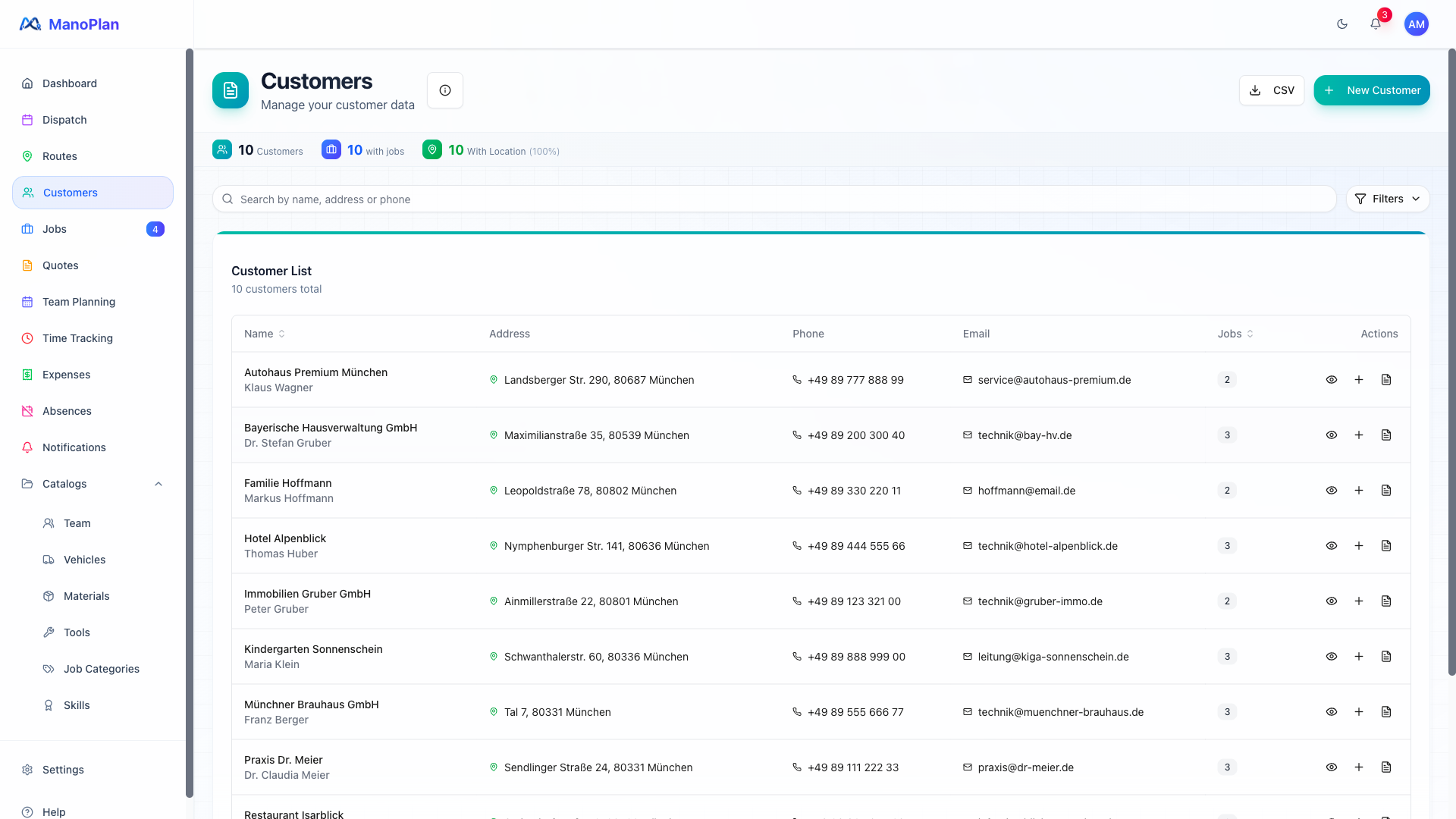
Customer Management
Shows the complete customer management workflow: manual entry, CSV import, ERP sync, duplicates and the detail view in 6 scenes.
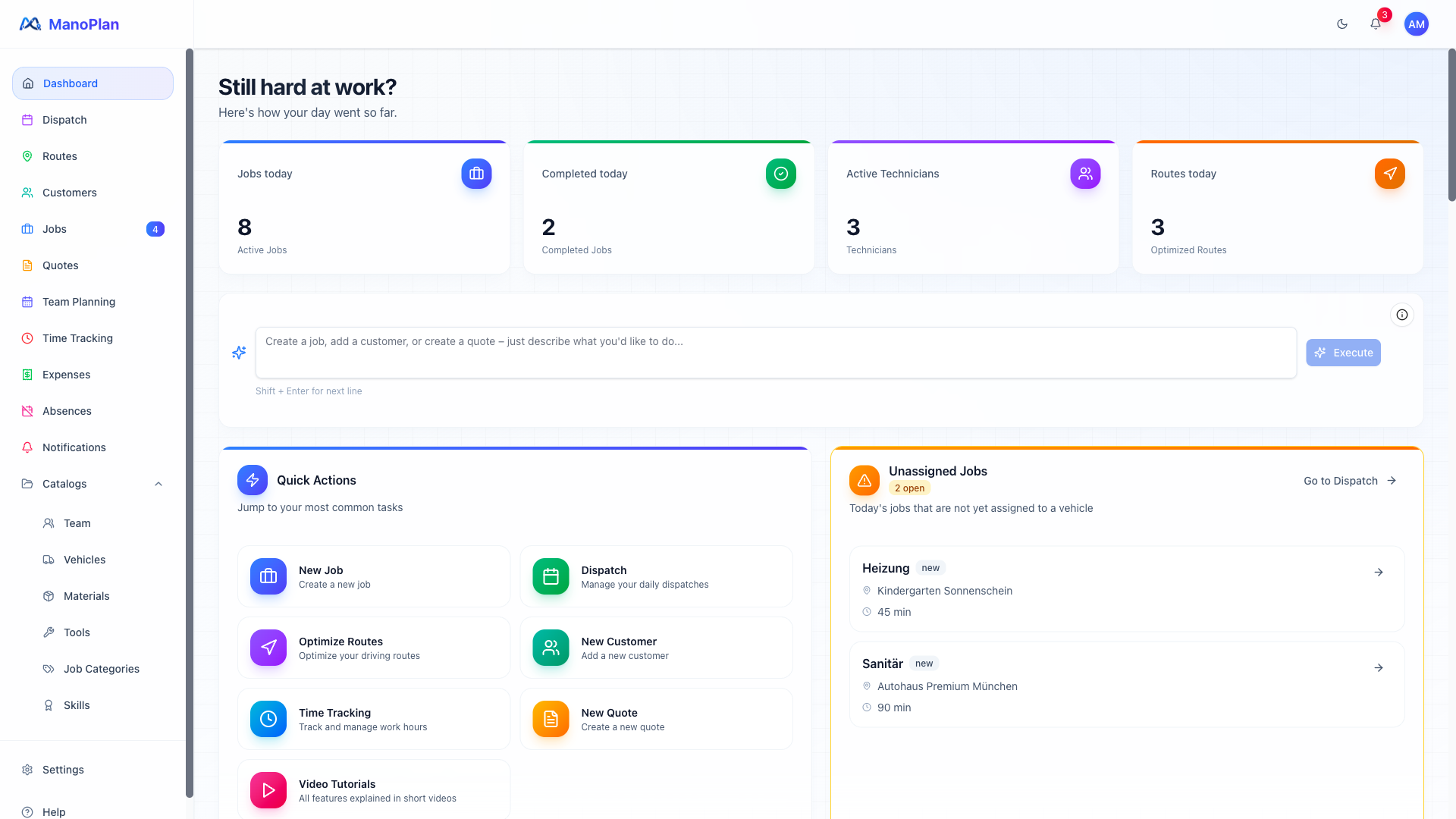
Daily Planning
Shows the morning planning routine in 8 scenes: dashboard check, absences, dispatch board, auto-plan, workload and route optimization.
From Quote to Job
Shows the complete workflow from creating a quote to converting it into a job in 7 scenes.
Weekly Review
Shows the complete weekly wrap-up workflow: reviewing times, time type breakdown, approvals, expenses and export in 5 scenes.
Emergency Dispatch
Shows how an urgent emergency job is created, assigned, and how affected customers are automatically notified.
Monthly Closing
Shows how to approve time entries, release expenses, and export data for the accountant at month end.
Technician / Field Worker
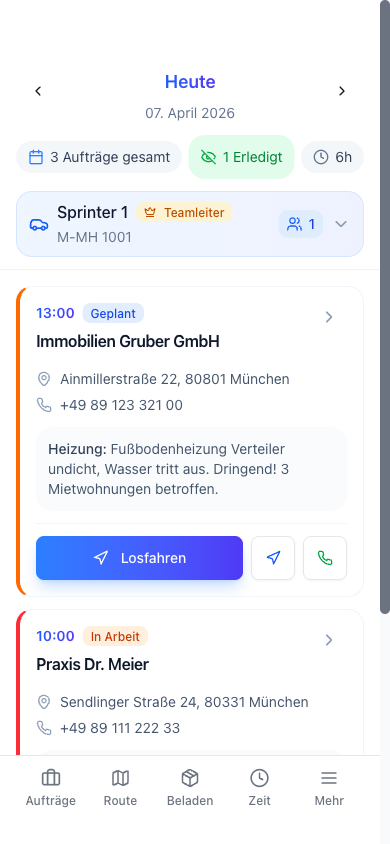
My First Workday
Shows a technician's complete workday: from the daily overview through navigation and documentation to the customer signature.
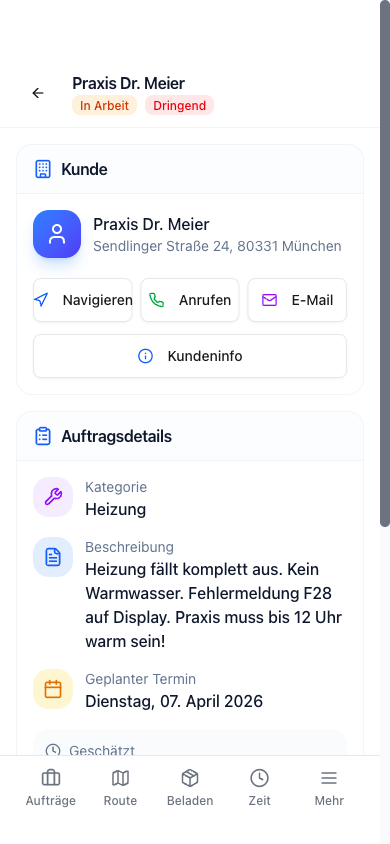
On-Site Documentation
Shows how technicians document professionally on site: photos, voice notes, AI service report, materials, and customer signature.
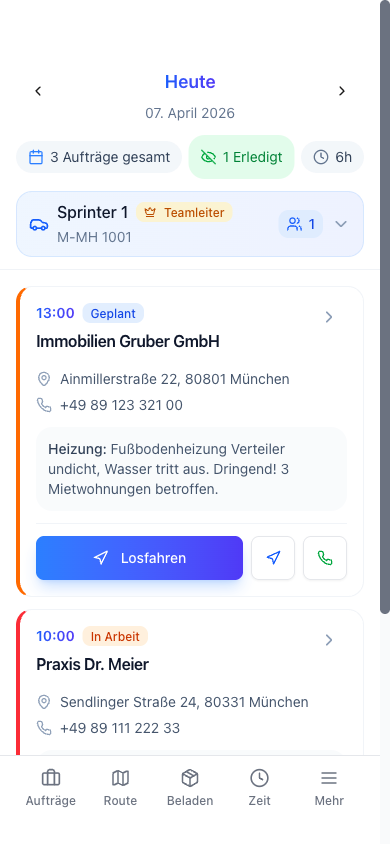
Route and Navigation
Shows how technicians view their optimized daily route, head out, and how drive times are captured automatically.
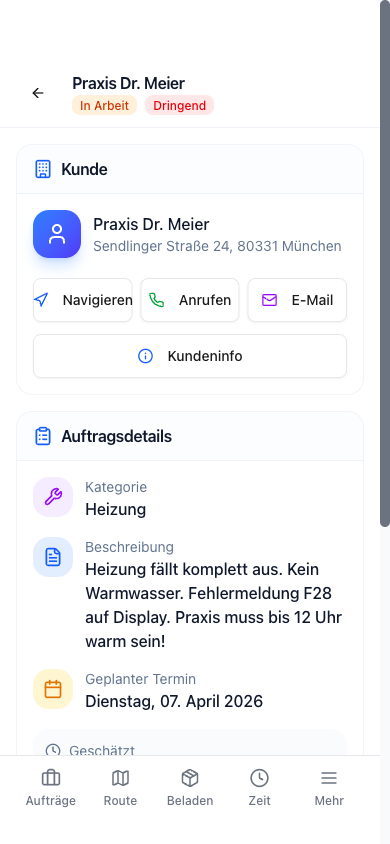
Handling the Unexpected
Shows how technicians handle waiting time, breaks, geofence exits, and unplanned follow-up appointments.
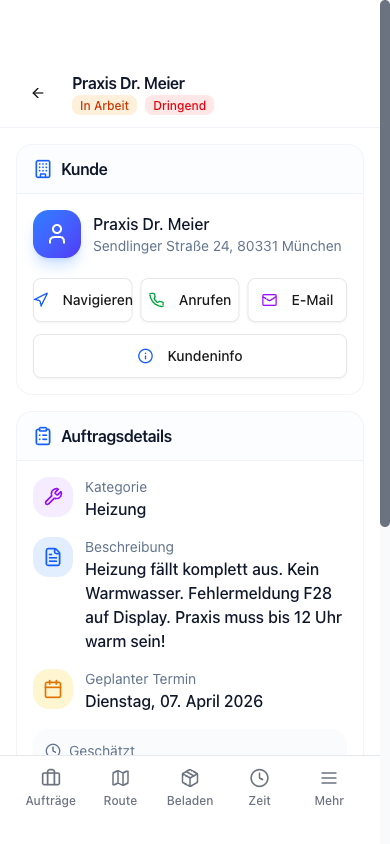
Photos & Annotations
Shows how technicians take photos, annotate them, and attach them to a job.
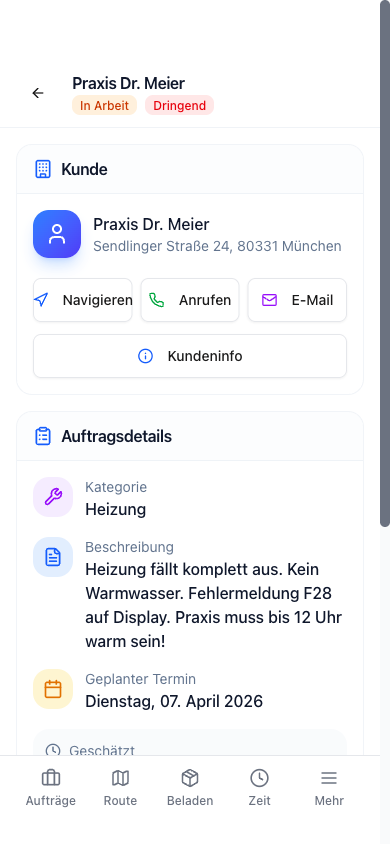
Working Offline
Shows how technicians can work without an internet connection and how all data syncs automatically.
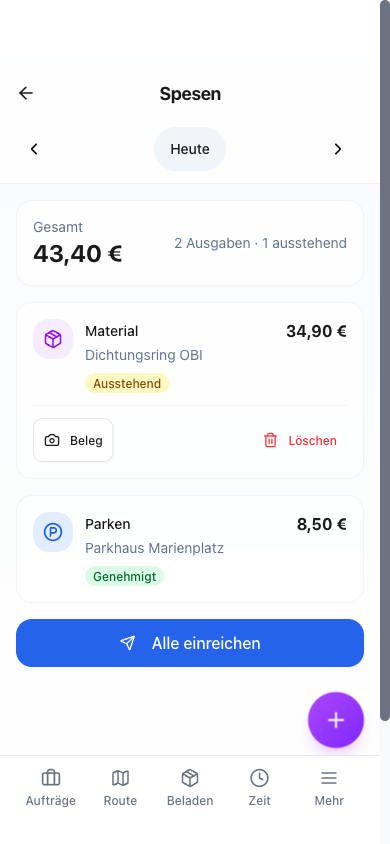
Expense Tracking
Shows how technicians capture expenses and receipts on the go and how the office reviews and approves them.
Admin / Manager
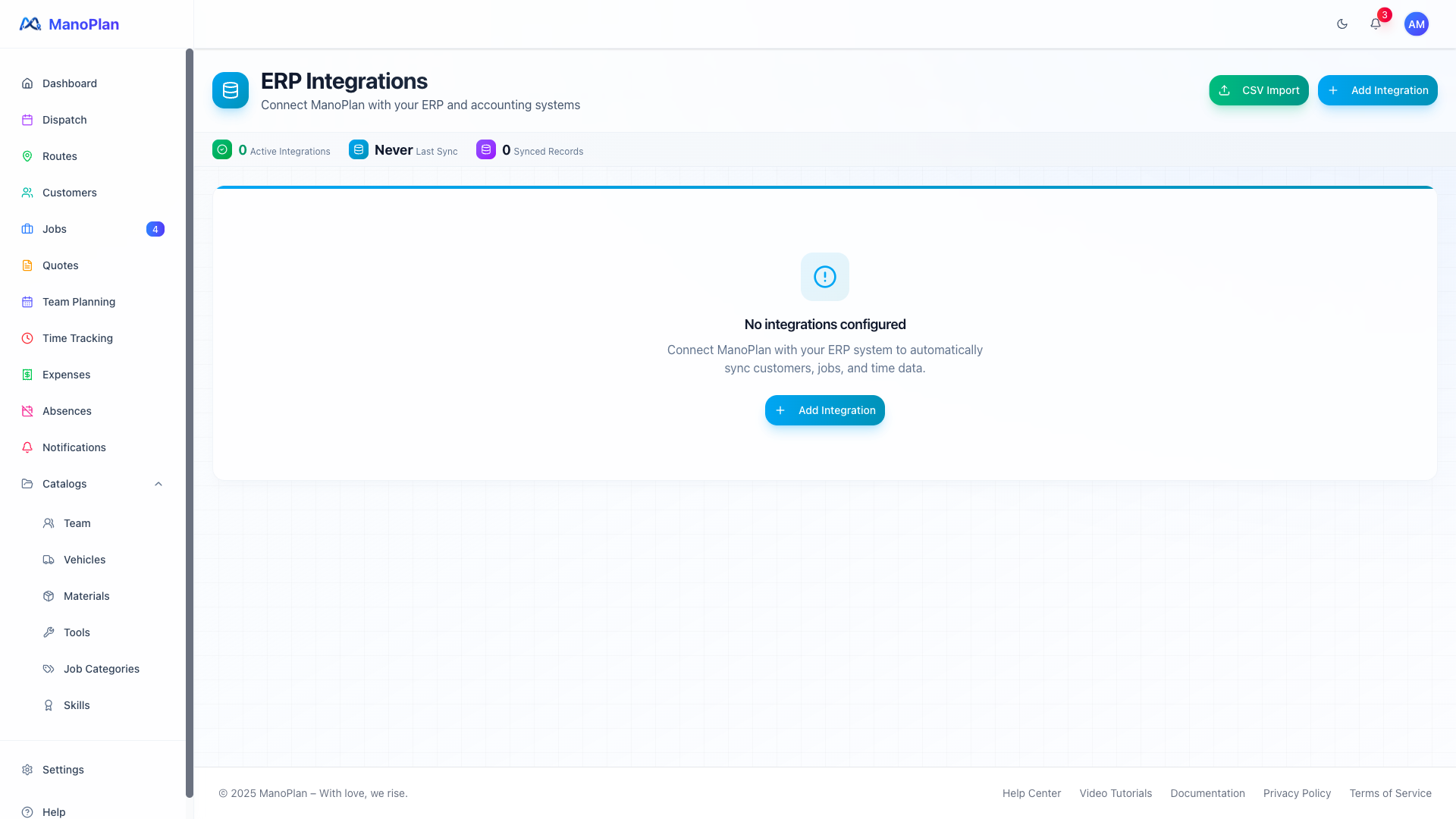
Connect Your ERP System
Guides through ERP integration in 5 scenes: overview, connection, sync configuration, initial sync and log.
From Zero to Ready
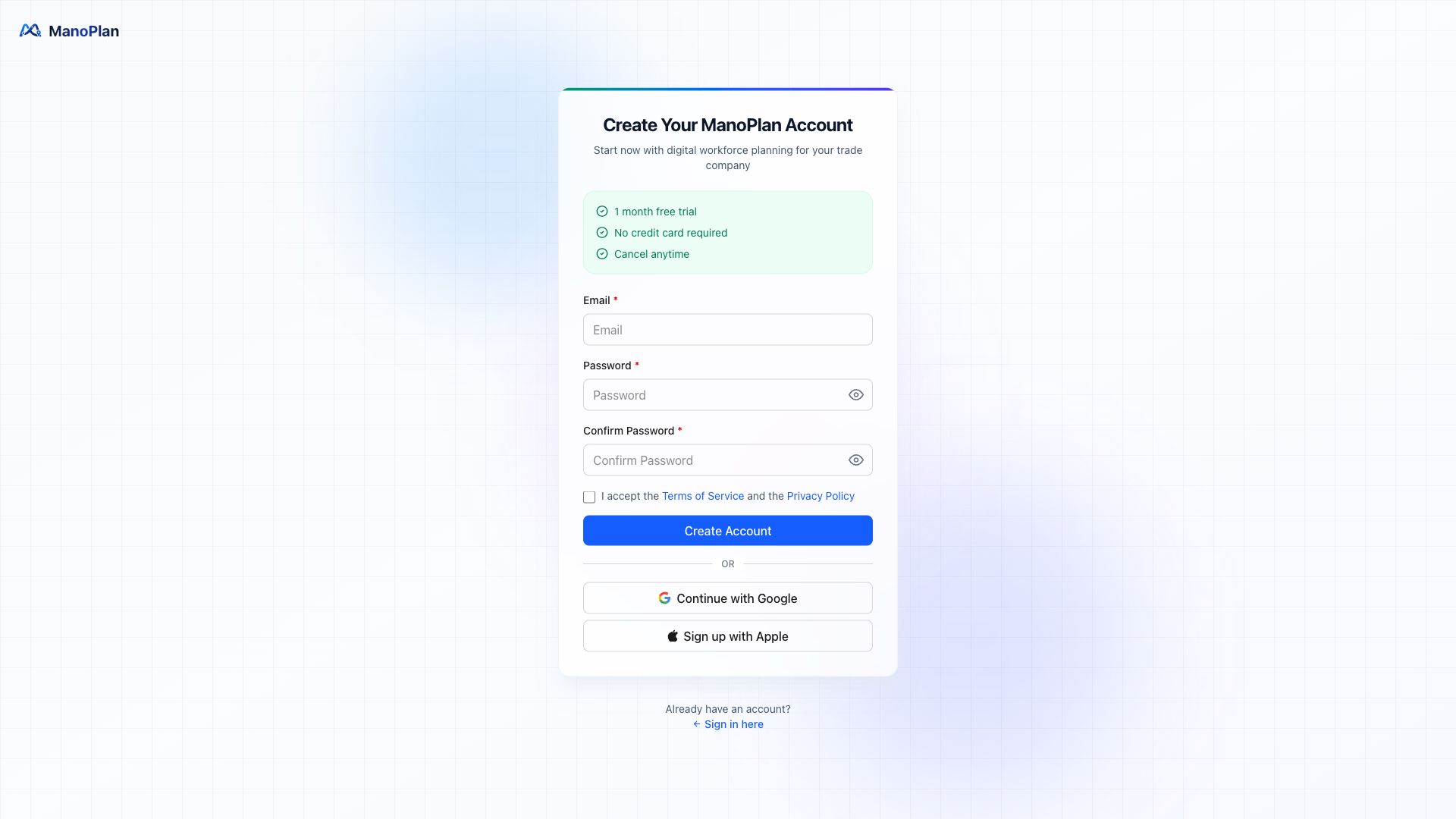
Guides admins through the complete initial setup in 10 scenes: Registration, company details, team, categories, vehicles, time slots, branding, notifications, customer import and first job.
Set Up Notifications
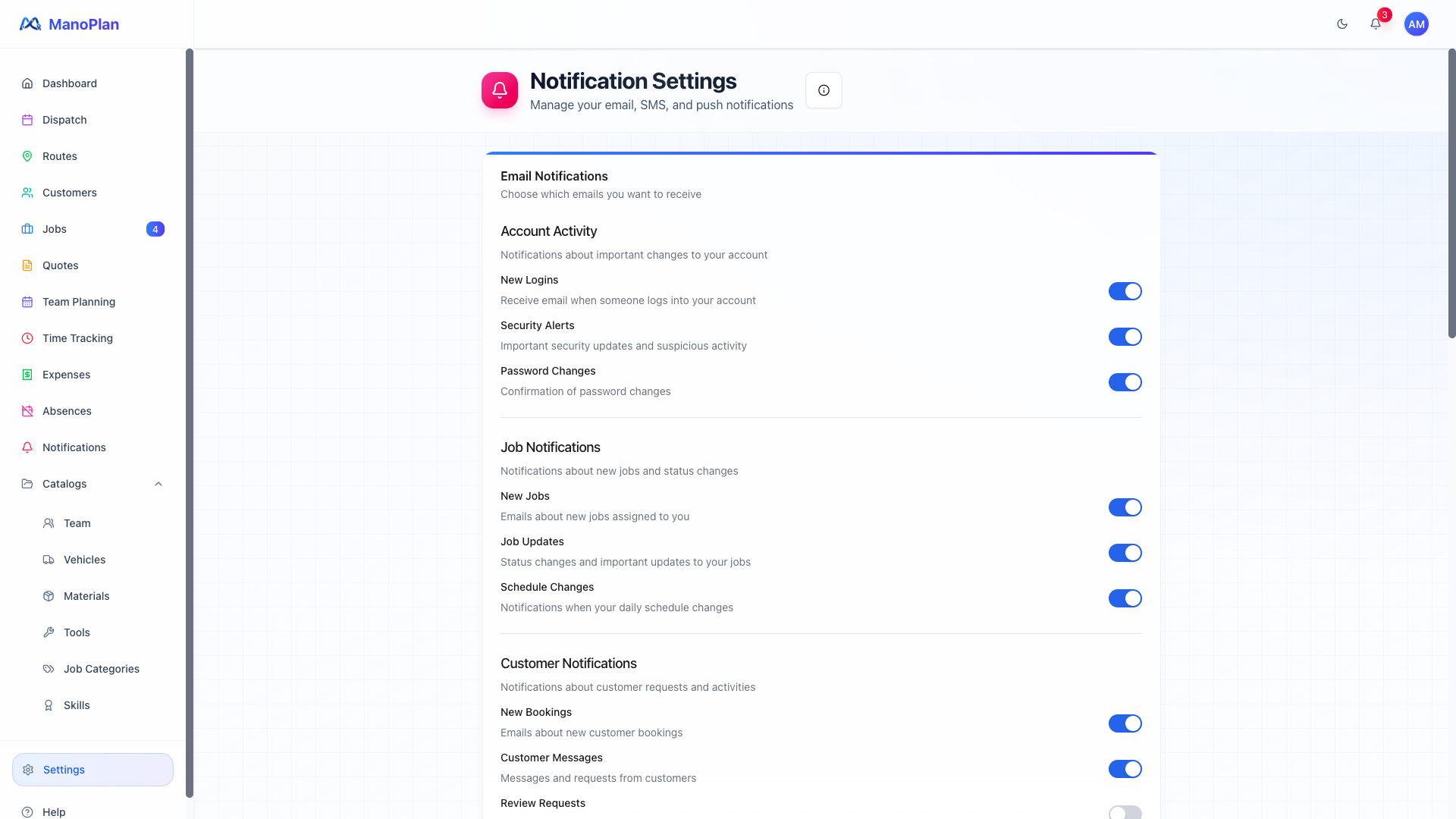
Explains notification configuration in 4 scenes: team push, customer communication, channel selection and summary.
Team Management
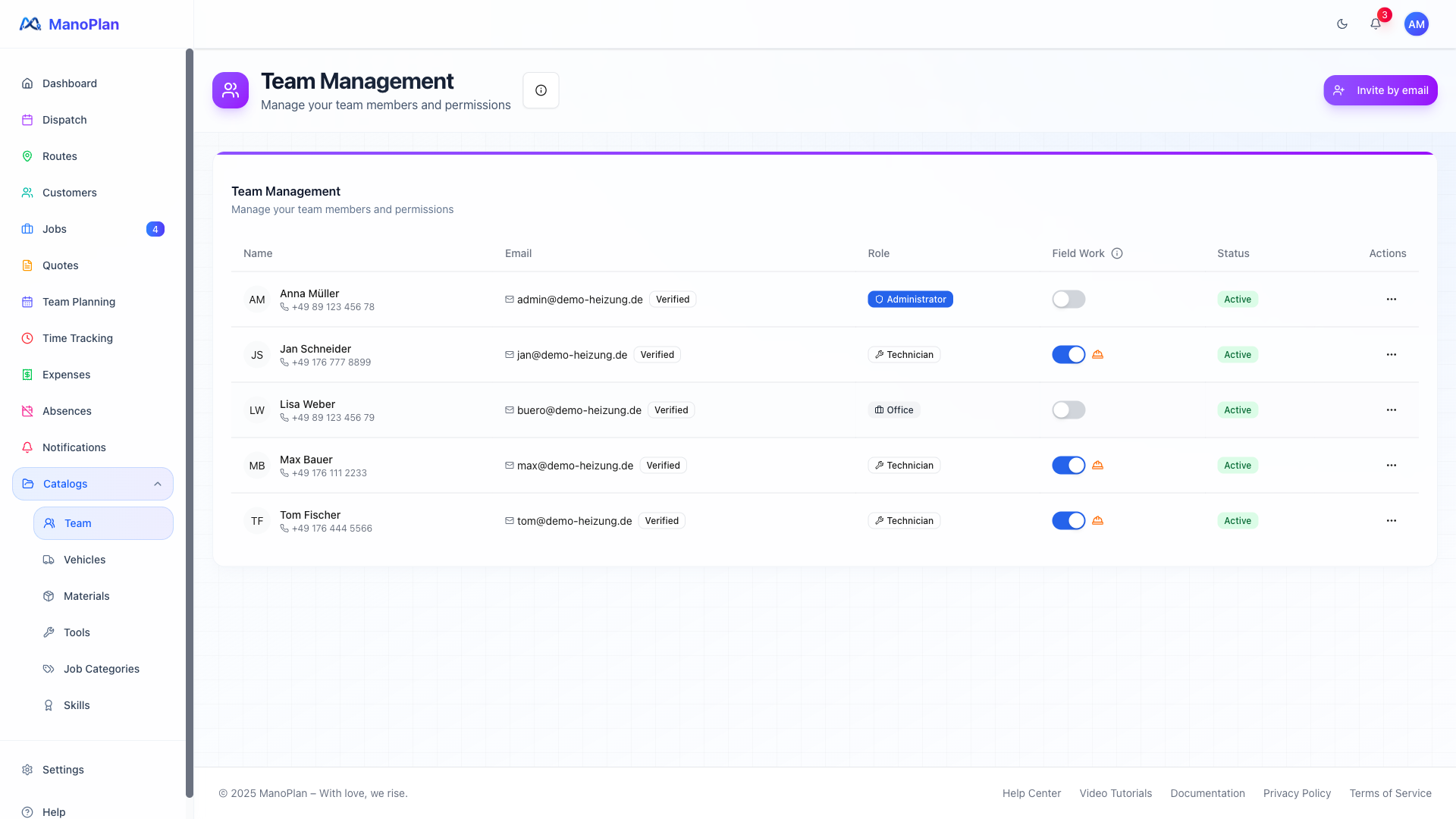
Shows team management in 5 scenes: team overview, invitation, vehicle assignment, absences and impact on planning.
The AI Assistant
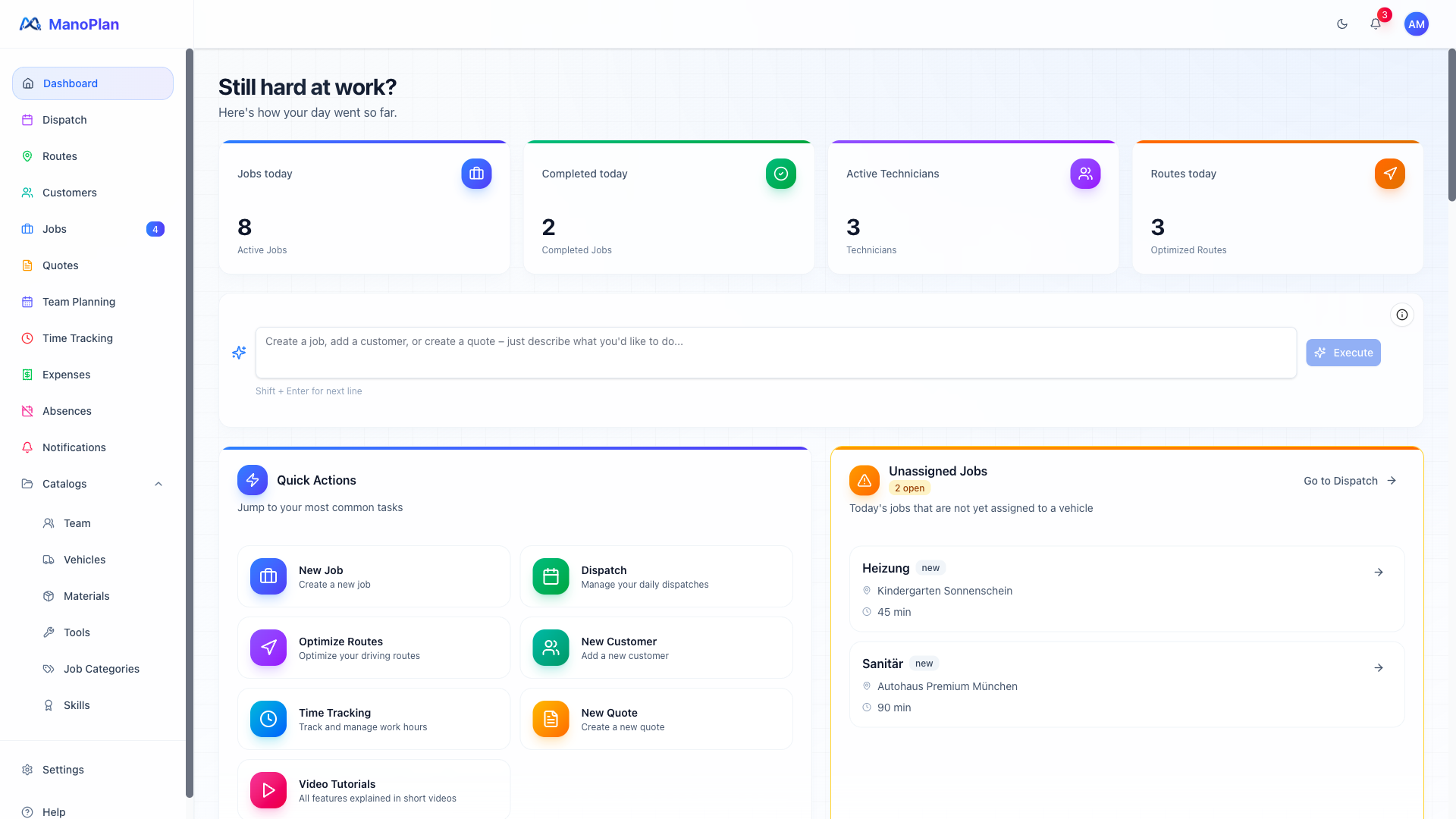
Shows how the AI assistant in the dashboard creates jobs, customers, and quotes using natural language input.
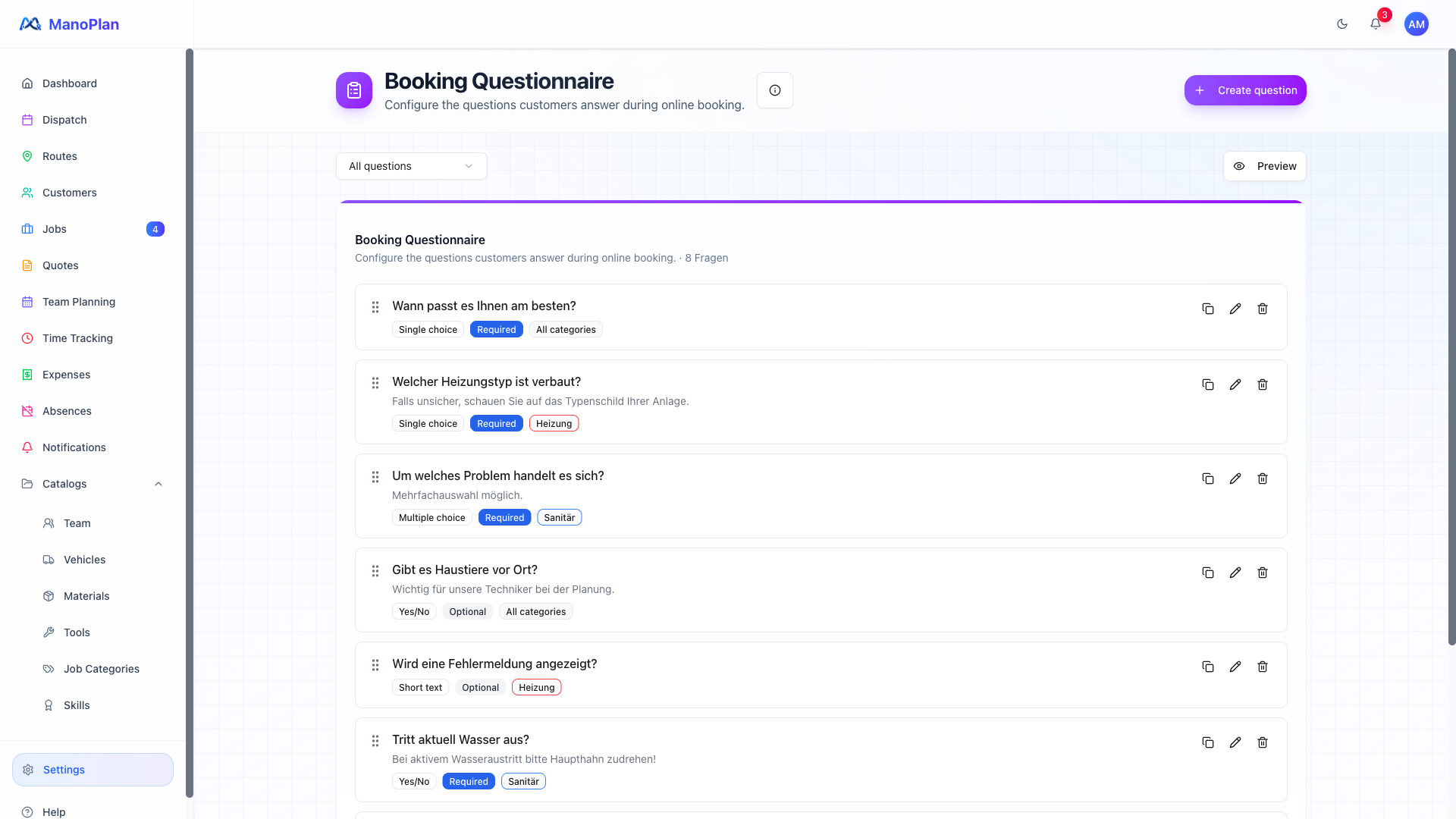
Set Up Your Booking Page
Shows how to configure the external booking page and how customers can submit jobs themselves.
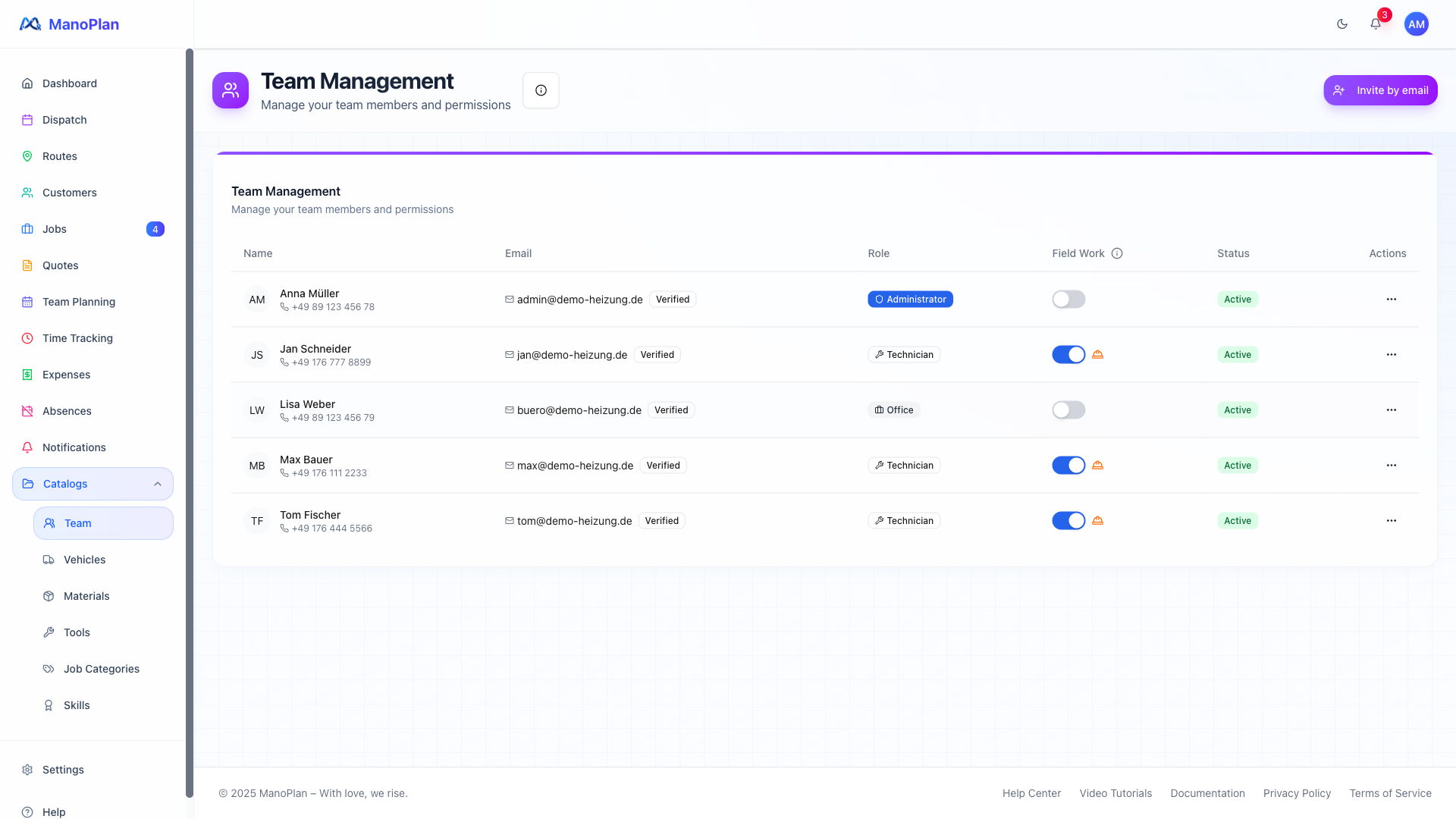
New Employee Onboarding
Shows how a new technician is invited, installs the app, and gets through their first day with ManoPlan.